Sidebar
This section allows you to display or not the sidebar on your site and set its position (left or right).
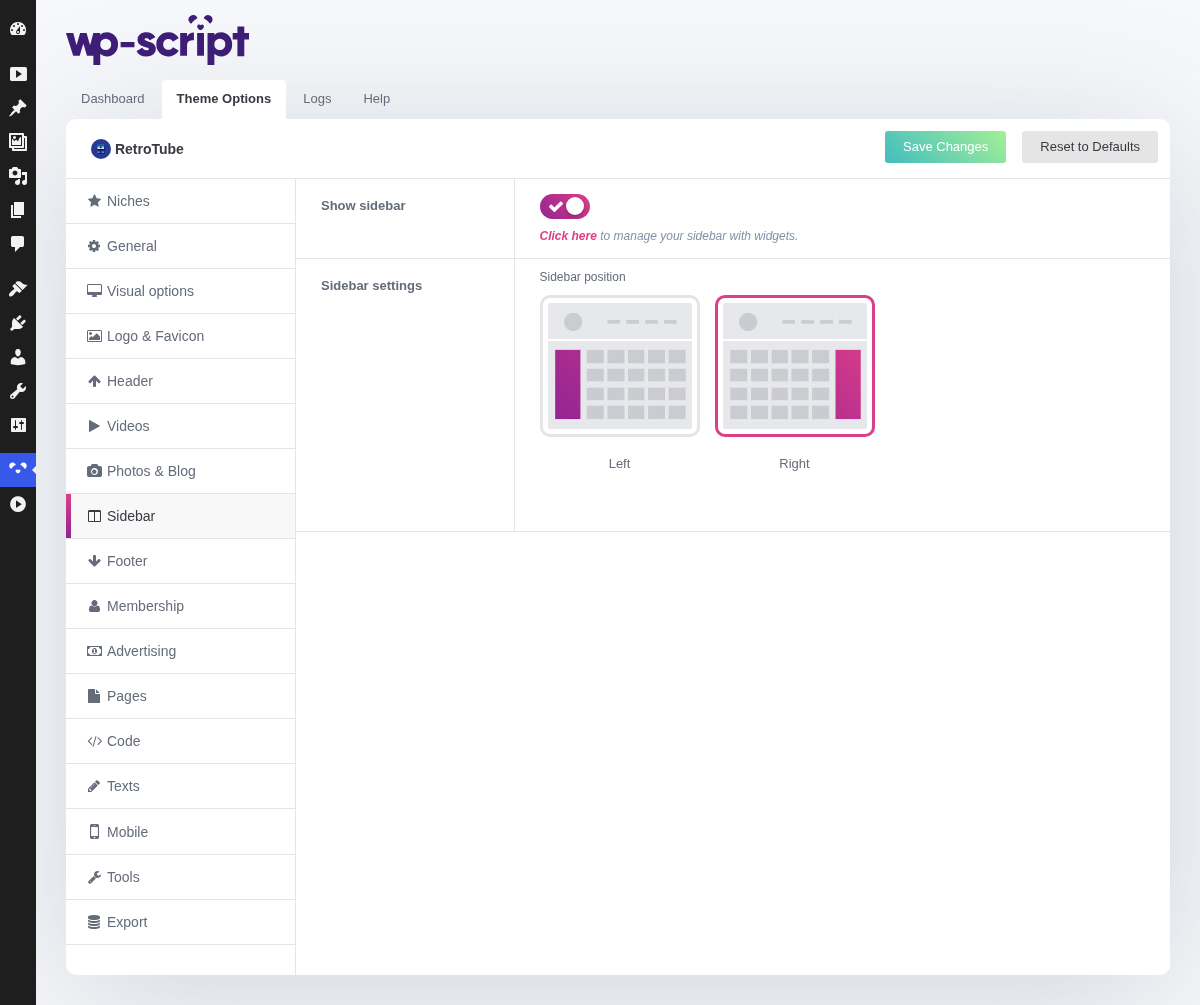
1. Show Sidebar

Click here to manage your sidebar with widgets.
This switch is the site-wide default. Three pages can override it on their own tab: the homepage, the video pages and the category archives, plus phones in Mobile → General.
The sidebar shows whatever is in its widget area and nothing when that area is empty, so fill it first, in [Widget Areas](../../06-widgets/01-widget- areas.md), then switch it on. An empty column is worse than no column.
2. Sidebar Settings
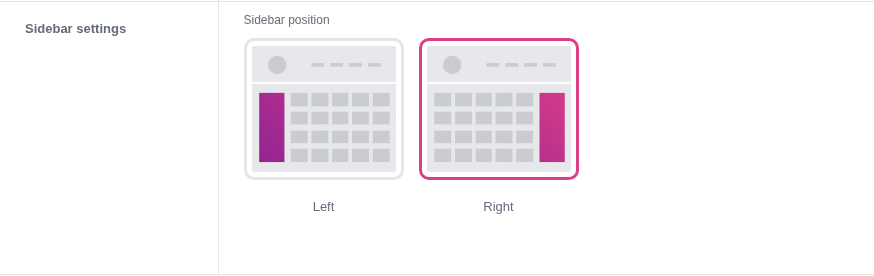
Result on the frontend when the sidebar is set to Left

Result on the frontend when the sidebar is set to Right

Right is what visitors expect, and it puts your videos first on the page. Left is a period look, which on this theme is not an accident.
The setting has no effect on phones, where the sidebar drops below the content whichever side it was on.