General
What changes on phones, where most of a tube's traffic is.
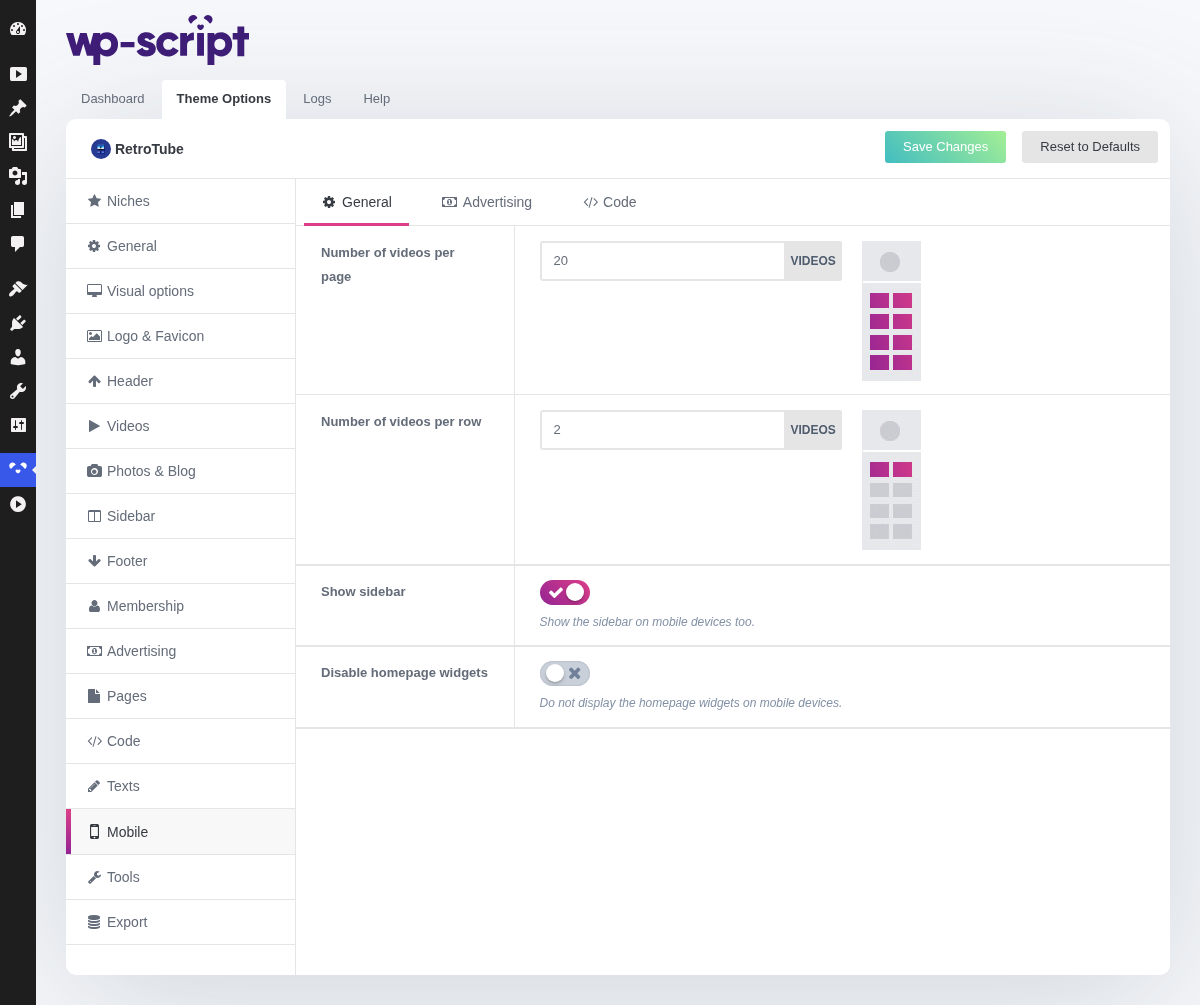
1. Number Of Videos Per Page

These settings override their desktop equivalents rather than repeating them, because a phone screen is one column wide and the figures that make a good desktop grid make a very long phone page.
Keep this one low: every thumbnail is a download on a connection you do not control.
2. Number Of Videos Per Row

Realistically one or two. Two gives a grid that scrolls like a tube app; one gives thumbnails big enough to read at arm's length.
3. Show Sidebar

Show the sidebar on mobile devices too.
On a phone the sidebar goes below the content rather than beside it, since there is no room for a second column. It is off by default for a reason: a visitor who has scrolled past twenty videos rarely wants a column of widgets next.
4. Disable Homepage Widgets

Do not display the homepage widgets on mobile devices.
This is the switch that decides if phones get your homepage video blocks. Disabling them leaves phones with the plain listing, which loads faster and reads better.