Export
Save your options to a file, and what that file is good for.
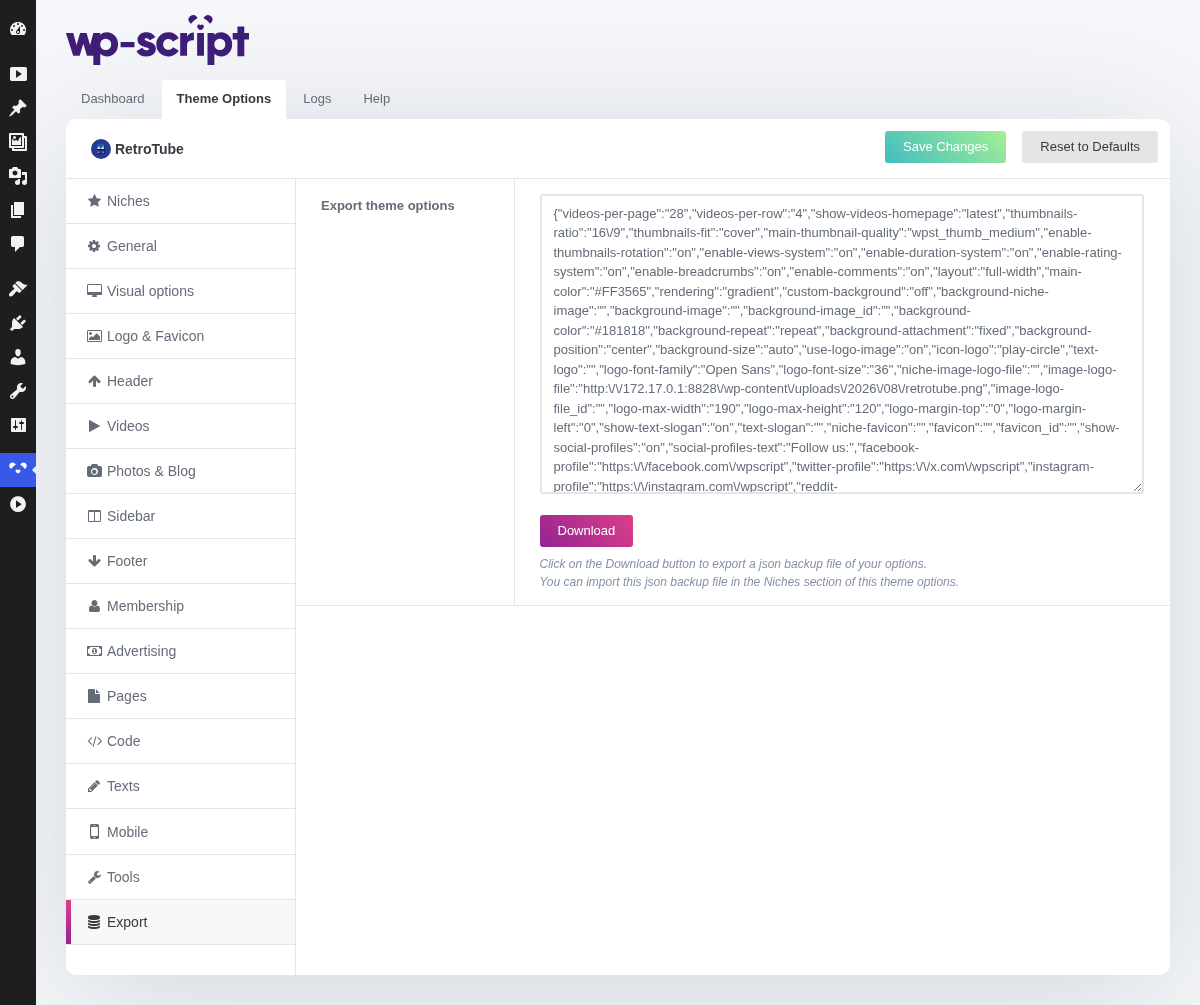
1. Export Theme Options
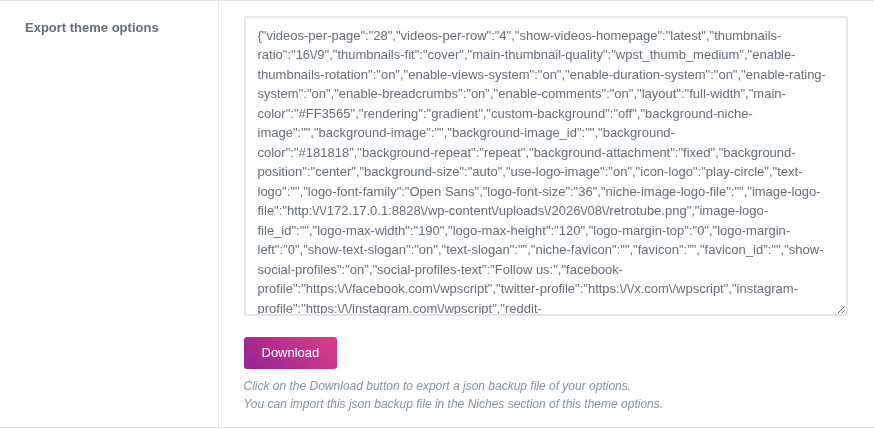
Click on the Download button to export a json backup file of your options.You can import this json backup file in the Niches section of this theme options.
The file holds every option on every tab. Not your videos, not your pages, not your widgets: this is a backup of the settings, not of the site.
It is worth downloading at two moments, and both take ten seconds: before importing a niche, since a niche overwrites every setting and there is no undo, and once the site is configured the way you want it.
The other use is moving a configuration between sites: set the theme up on a staging site, export, then import the file from the Niches tab on the live one.
The file carries your ad codes and analytics snippets with everything else, which is what makes it a full copy, and also why it is not something to leave lying around or send to anyone.