Logo & Favicon
The RetroTube Logo & Favicon options tab allows you to set a logotype and a favicon for your site.
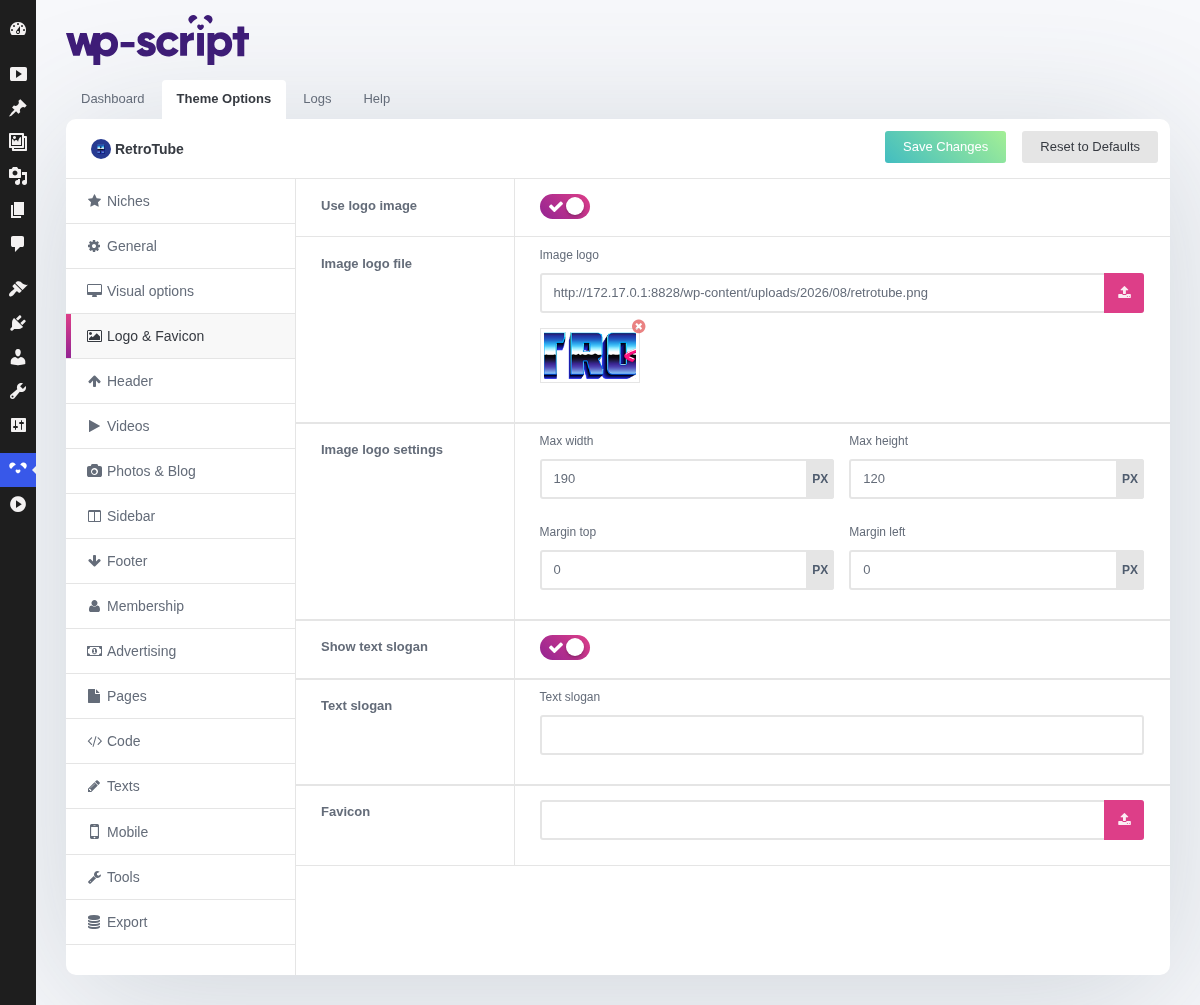
1. Use Logo Image

This switch decides which of the panels below you actually see.
Off, the logo is built by the theme: an icon from its icon set next to your text logo. It costs nothing to set up, it stays sharp on every screen, and it takes the main colour, so it always matches the rest of the site. On a new site this is the quicker route, and it looks fine.
On, the logo is an image you upload.
2. Icon Logo Settings

The icon shown next to the text logo, picked from the theme's own set. It is coloured with the main colour from [Visual options](../03-visual- options/03-visual-options.md), so it follows the rest of the site on its own.
3. Text Logo Settings

The site name as the theme prints it, with its own font family and font size. This is the logo itself, not the WordPress site title, so changing it here changes nothing else on the site.
4. Image Logo File
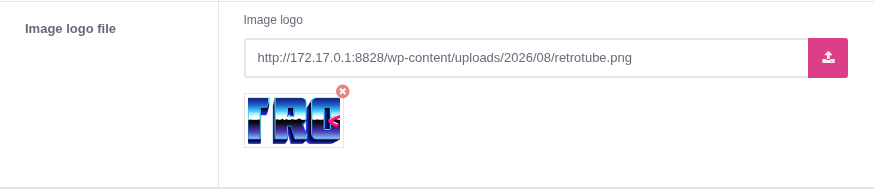
Upload the file at its own size and let the theme fit it. A 1400 pixel wide logo shown at 190 is sharp on a retina screen; the same file resized to 190 by hand before uploading is not.
5. Image Logo Settings

A max width and a max height, plus a top and left margin for nudging the logo into place. The theme scales your file down to the max width, which is why the file itself should stay big.
Start with the width alone and leave the height empty: setting both on a logo whose proportions do not match squashes it.
6. Show Text Slogan

The one place on the site where you can say what the site is, in words a search engine reads. Worth filling in with something better than the site name repeated.
7. Text Slogan

8. Favicon

The small icon shown in the browser tab and in bookmarks. Upload a square image; anything else is cropped.
It is a detail nobody notices when it is right and everybody notices when it is missing, since browsers fall back to a blank page icon. Set it once on launch day and forget it.