Tools
Two starting points for a new site, the main menu and the starter widgets. Each button says what it will do, shows what your site already has, and asks for a confirmation before acting.
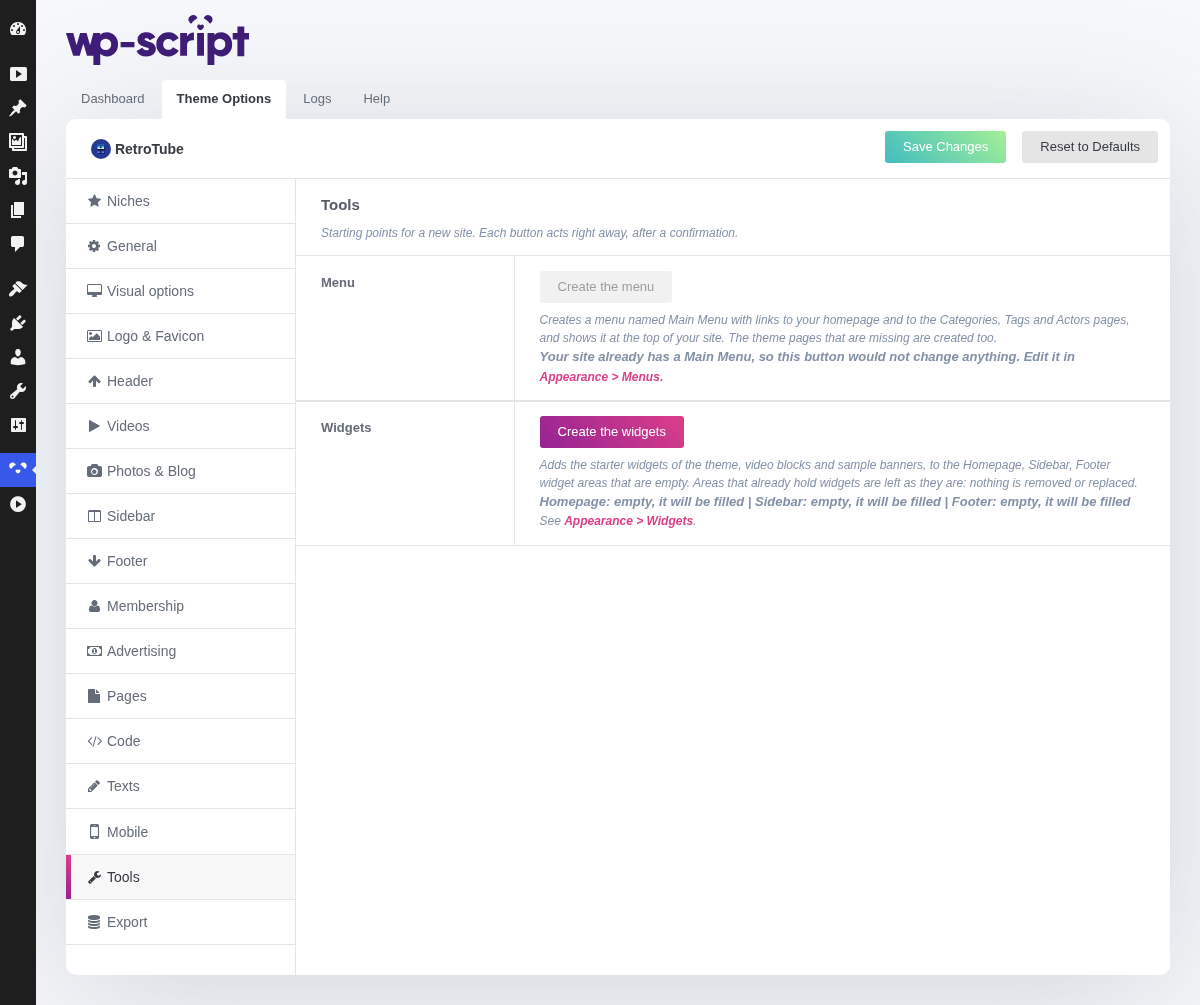
1. Tools

Nothing on this tab configures anything: it adds a main menu and the starter widgets, for a new site or one where they are missing. A deleted theme page is not recreated from here any more, that is the job of the Create it buttons of the Pages and Videos tabs.
2. Menu

Create the menu creates a menu named Main Menu with links to your homepage and to the Categories, Tags and Actors pages, and shows it at the top of your site. The theme pages that are missing are created along the way.
Once your site has a menu named Main Menu, the button is greyed out and the tab says so: it would not change anything. Edit that menu in Appearance → Menus instead.
3. Widgets

Create the widgets adds the starter widgets of the theme, video blocks and sample banners, to the Homepage, Sidebar and Footer widget areas, but only to the ones that are empty. An area that already holds widgets, ad widgets included, is left exactly as it is: nothing is removed or replaced.
Under the button, each area is listed with its state, for example Homepage: empty, it will be filled or Footer: 3 widgets, left as they are. When no area is empty, the button is greyed out.