Advertising
The six ad zones on desktop, and what each one is worth.
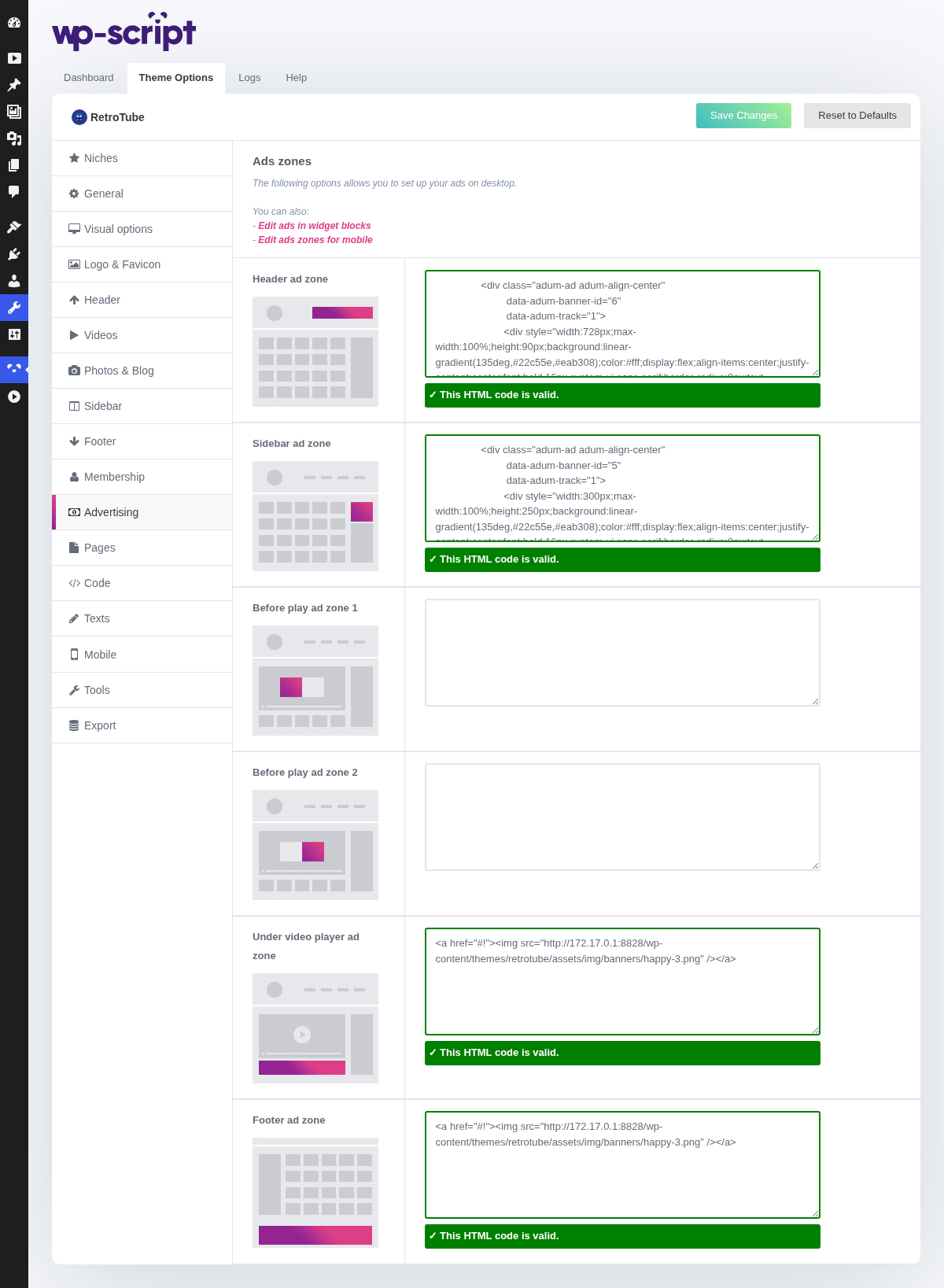
1. Ads Zones

The following options allows you to set up your ads on desktop.You can also:- Edit ads in widget blocks- Edit ads zones for mobile
Each zone takes raw code: the banner or script your ad network gives you, pasted as handed over. The theme prints it where the zone sits and does nothing else to it, so a zone with a broken script is a broken page.
Paste one network's code at a time and load the site before moving on. Finding which of six zones broke the layout afterwards takes longer than checking as you go.
An empty zone prints nothing at all, by design: no placeholder, no gap.
2. Header Ad Zone
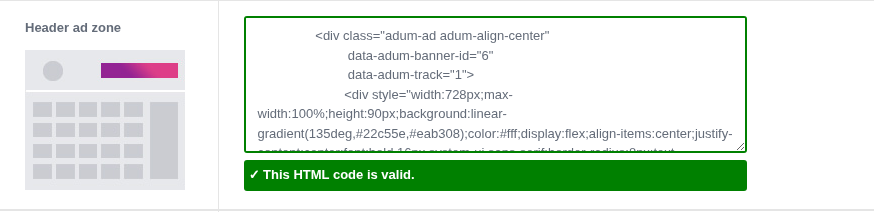
Seen on every page of the site, which is what makes it worth something, and also the first thing between a visitor and your thumbnails. Keep it short.
3. Sidebar Ad Zone
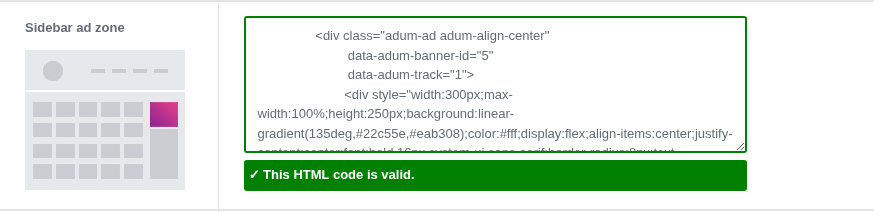
Only exists on pages where the sidebar is on, so check Sidebar before selling this one to anyone.
4. Before Play Ad Zone 1
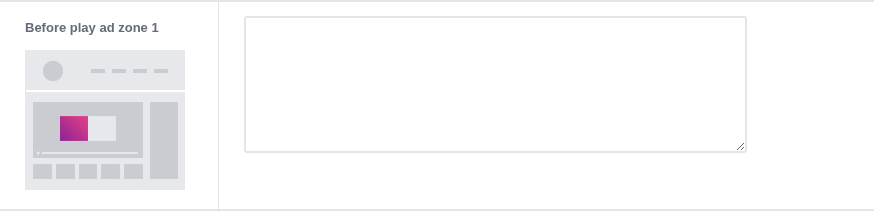
Over the player, on the click the visitor came to make. This is the highest paid inventory on any tube.
5. Before Play Ad Zone 2
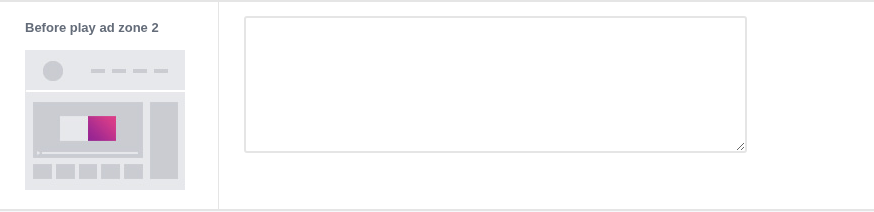
The second slot is there so you can run two networks against each other on the same spot rather than committing the whole page to one.
6. Under Video Player Ad Zone
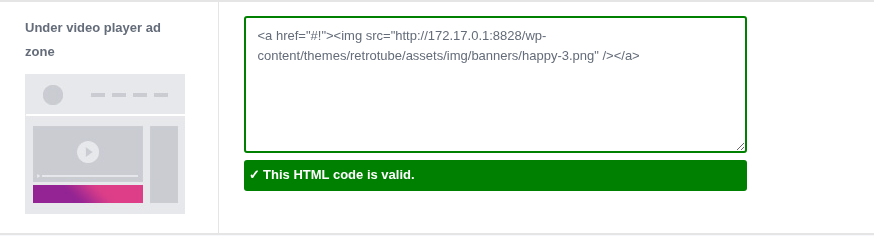
Catches the visitor who is already watching. Second best paying zone, and the least intrusive of the good spots.
7. Footer Ad Zone
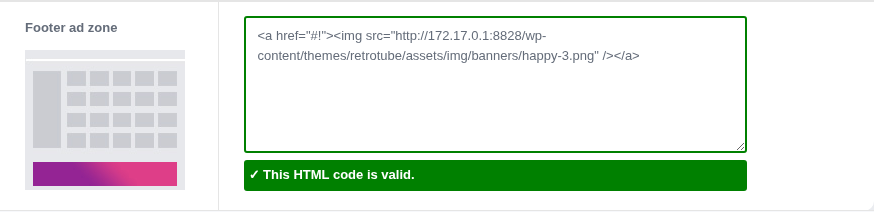
Seen by whoever reached the bottom of a page. It pays the least and costs you nothing.
Two more places take ad code and are not on this tab: any widget area, using a text widget, which is how you put a banner between two video blocks, and the advertising under the video player field on a single video, for a one off. Phones have their own zones in Mobile → Advertising.