Header
The RetroTube Header options tab allows you to set links to your social profiles and also integrate a search bar directly in the header of your site.
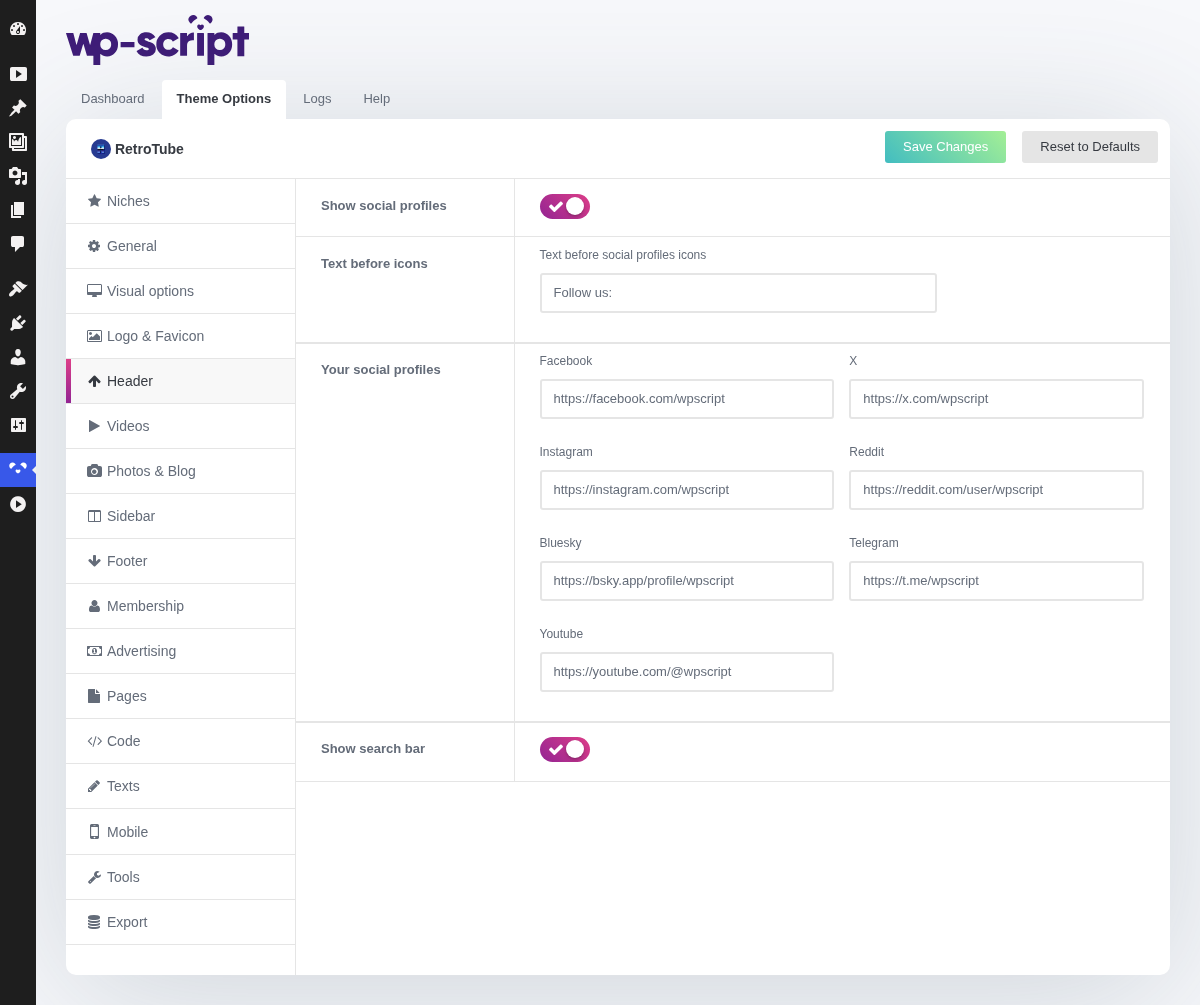
1. Show Social Profiles

The icons appear only for the networks you fill in below, so an empty field is not a broken icon: it is simply not printed.
2. Text Before Icons

The short label sitting in front of the icons, "Follow us:" by default. Worth keeping: a row of bare icons in a topbar reads as decoration, a label makes it an invitation.
3. Your Social Profiles
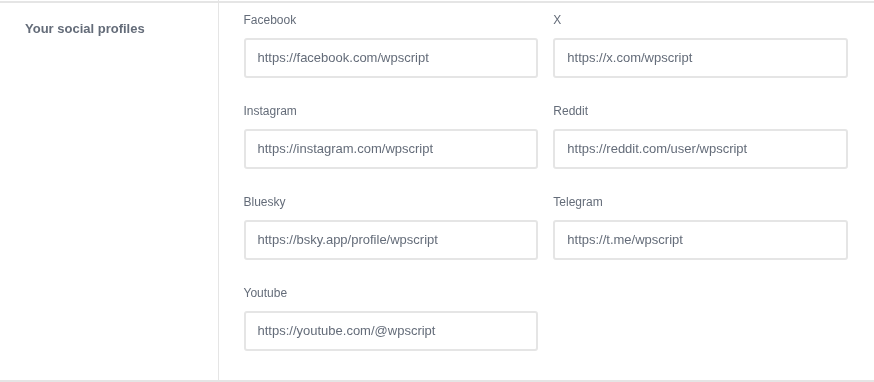
Display icons of the main social networks at the top of your tube. They will redirect your visitors to your social profiles. Paste your links and the icons will be automatically displayed.

Seven networks are offered: Facebook, X, Bluesky, Telegram, Instagram, Reddit and YouTube. Paste the full profile URL rather than a handle.
4. Show Search Bar

Display a search bar in the header of your site to allow your visitors to find easily videos.

Worth leaving on. Search is how a visitor who knows what they want finds it, and on a catalogue of any size it carries more traffic than the menu does.
The argument for turning it off is space in a header already holding a logo and a menu. If that is the problem, shortening the menu usually costs you less than removing search.