Actors
The page listing every actor and the actor archives: which page plays each role, their addresses, and how many actors the Actors page lists at once.
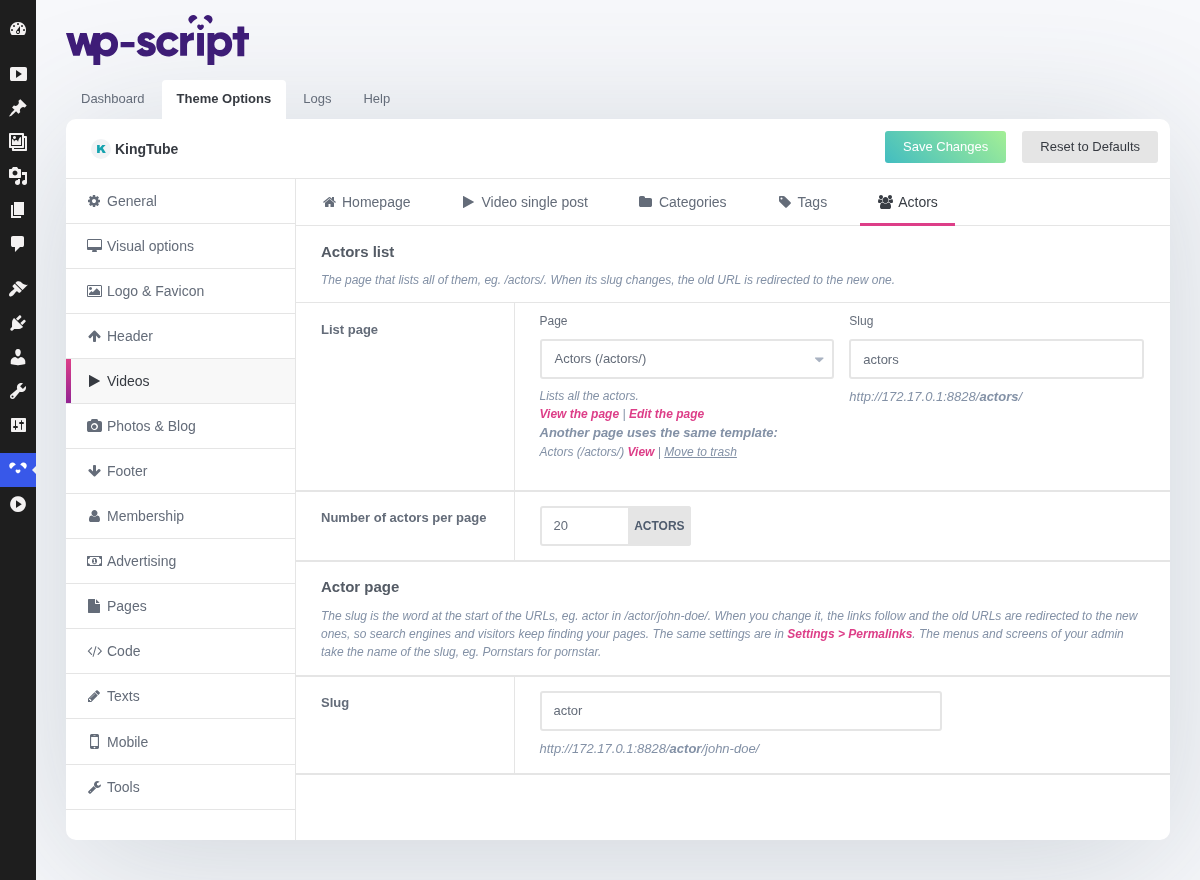
1. Actors List

The page that lists all your actors, /actors/ by default. When its
slug changes, the old URL is redirected (301) to the new one.
2. List Page
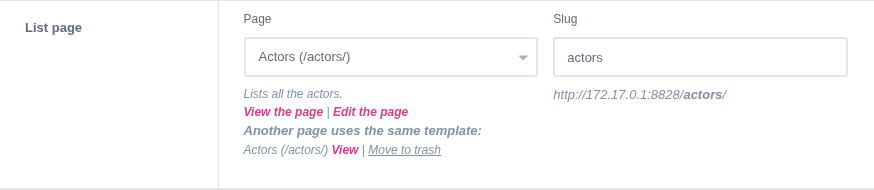
The page playing that role. Only the pages using the Actors template are offered, so you cannot pick a page that would not show the list. Under it are View the page and Edit the page links, or a Create it button when the page was deleted, and the other pages using the same template, each with View and Move to trash.
Change the address of the page in the slug field next to it, previewed as you type. When another page takes the role, the menu links to the old one follow. These fields work like the ones of the Pages tab.
3. Number Of Actors Per Page

Only applies to the page built with the Actors template. Actor listings are image-heavy, so a high figure costs more in load time here than the same figure would on a text listing.
4. Actor Page

The archive of each actor, at /actor/john-doe/ by default, and its options
below.
5. Slug

The word at the start of the actor URLs, actor in /actor/john-doe/.
Change it, pornstar for instance, and save: the links of your site follow
and the old URLs are redirected (301) to the new ones, so search engines and
visitors keep finding your pages. The same field, Actor slug, is in the Optional section of Settings → Permalinks: change it in either place.
Your admin follows the slug too: with pornstar, the menu and the screens
name them Pornstars. A slug already used by another part of the theme is
refused with a notice, and leaving the field empty goes back to actor.