Membership
Member accounts, video submission and reCAPTCHA.
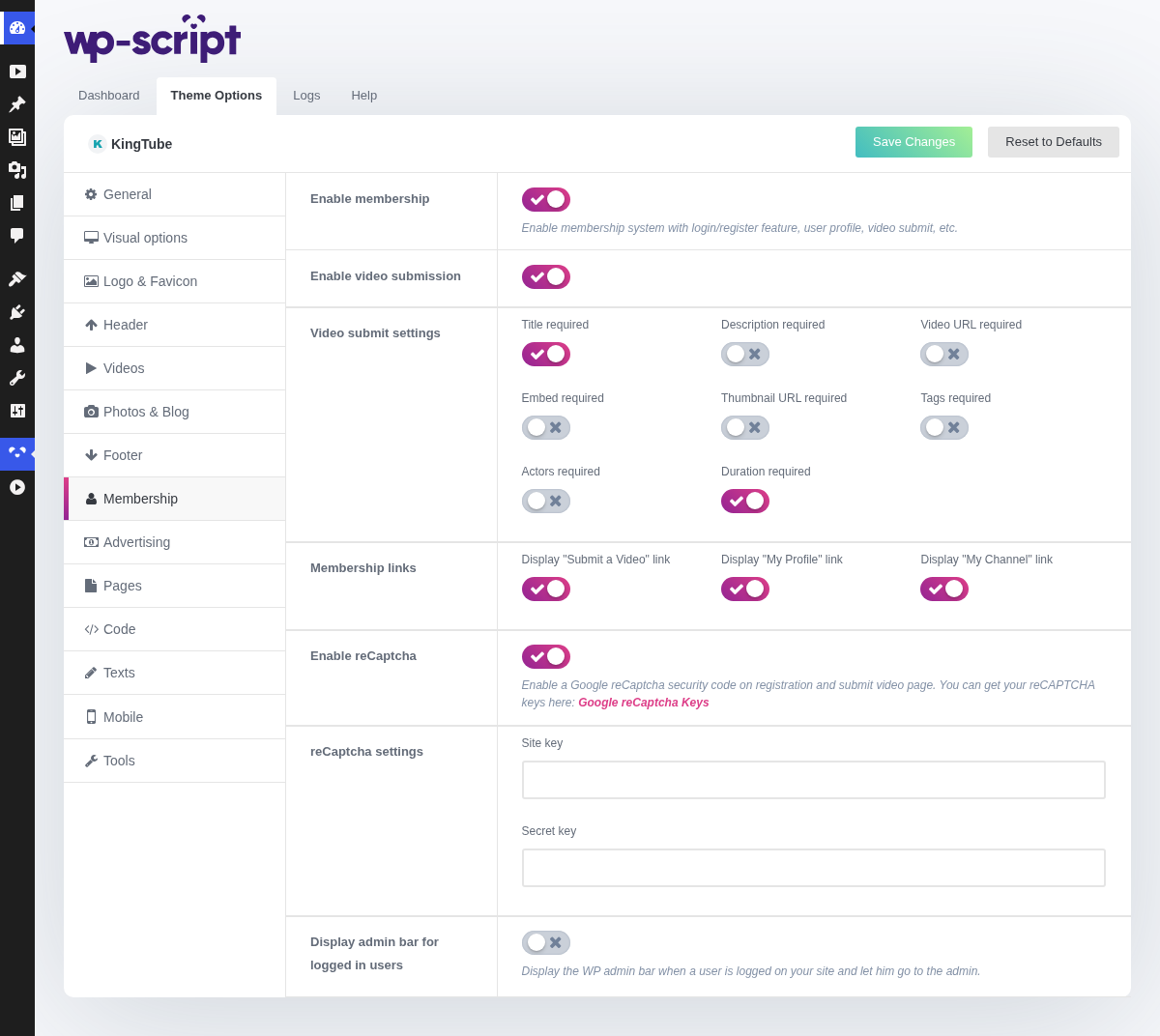
1. Enable Membership

Enable membership system with login/register feature, user profile, video submit, etc. It is the first of three dependent switches on this page: it puts the login and registration forms in the header and gives members a profile page, and the other two only do anything once it is on.
These settings show the forms. The right to actually create an account is decided at Settings → General, under Membership: Anyone can register. If registration fails with no clear error, that box is the first thing to check.
2. Enable Video Submission

Puts the submission form on the Submit a video page. It only shows itself to a logged-in member, so with membership off the page becomes a dead end. See Video Submission.
3. Video Submit Settings
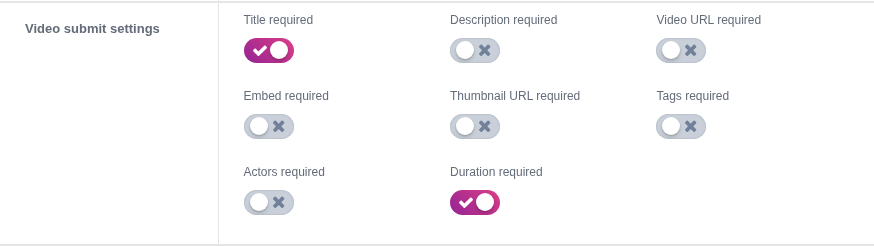
4. Membership Links

5. Enable ReCaptcha

Enable a Google reCaptcha security code on registration and submit video page. You can get your reCAPTCHA keys here: Google reCaptcha Keys. KingTube is the only tube theme in the range that has it.
Since the submission form is already behind a login, reCAPTCHA is a second barrier rather than the first. It earns its place once bot-registered accounts start posting, and not before.
6. ReCaptcha Settings

If visitors get a captcha error on every try, see reCAPTCHA errors.
7. Display Admin Bar For Logged In Users

Display the WP admin bar when a user is logged on your site and let him go to the admin. Off is almost always right: the WordPress admin bar means nothing to a member, it takes a strip off the top of every page, and it advertises that the site runs WordPress.