Texts
Which language your visitors see, and how to change any text of the theme they read: menu labels, buttons, messages.
KingTube ships in English, German, Spanish, French, Hindi, Italian, Portuguese and Russian. Your visitors see the theme in the language of your site, set in Settings → General → Site Language. The admin follows the language of your own profile instead, so you can run a French site from an admin in German: change Language in Users → Profile, and what your visitors see does not move.
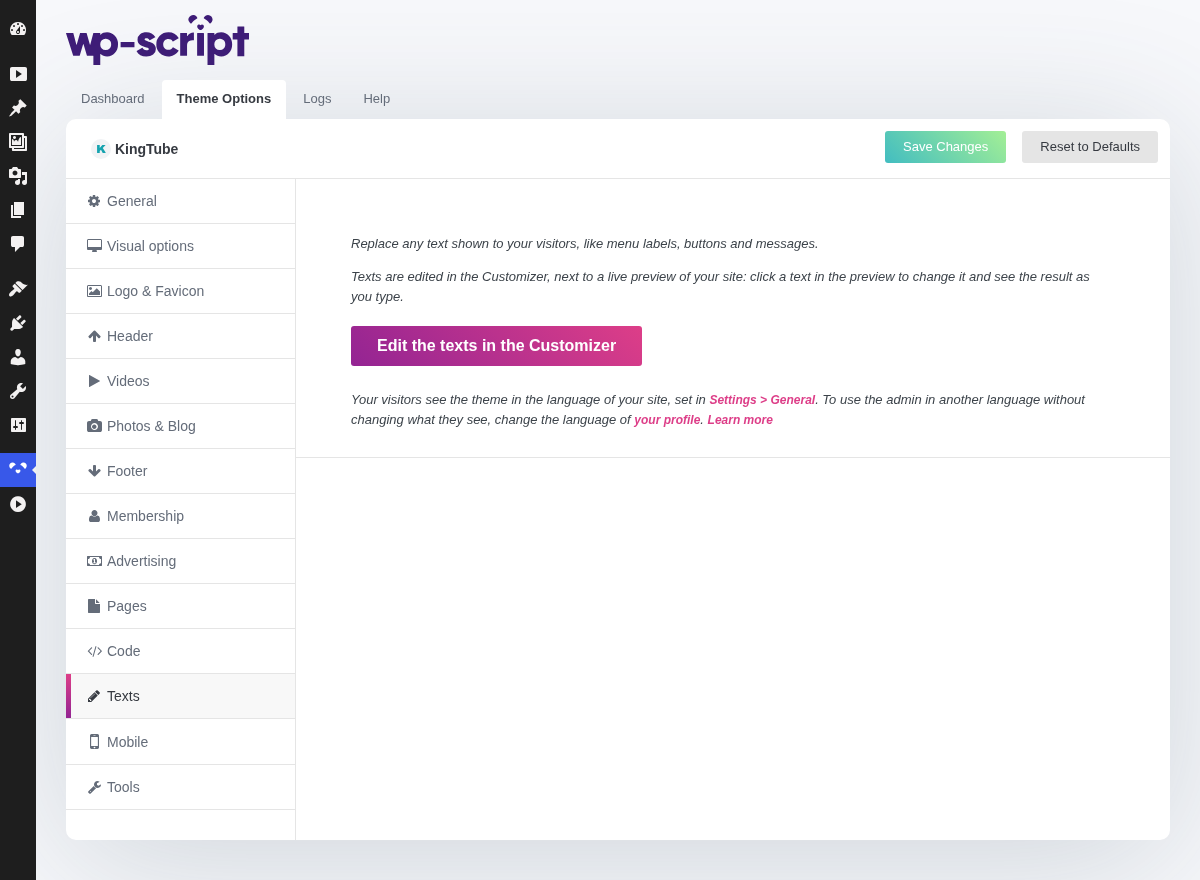
The texts themselves are edited in the Customizer, next to a live preview of your site. The Edit the texts in the Customizer button on this tab opens its Texts panel directly.
1. Changing a text in the Customizer
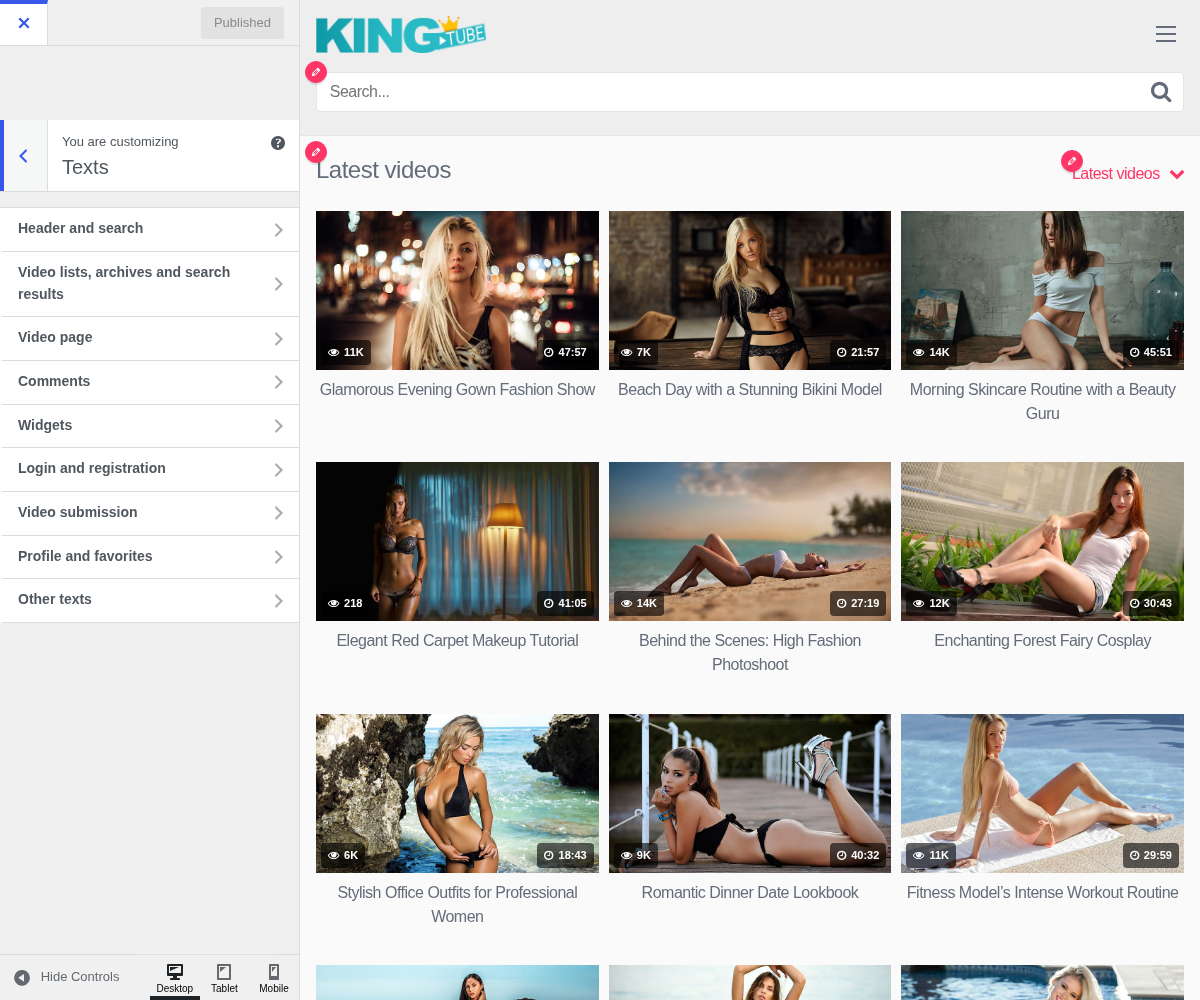
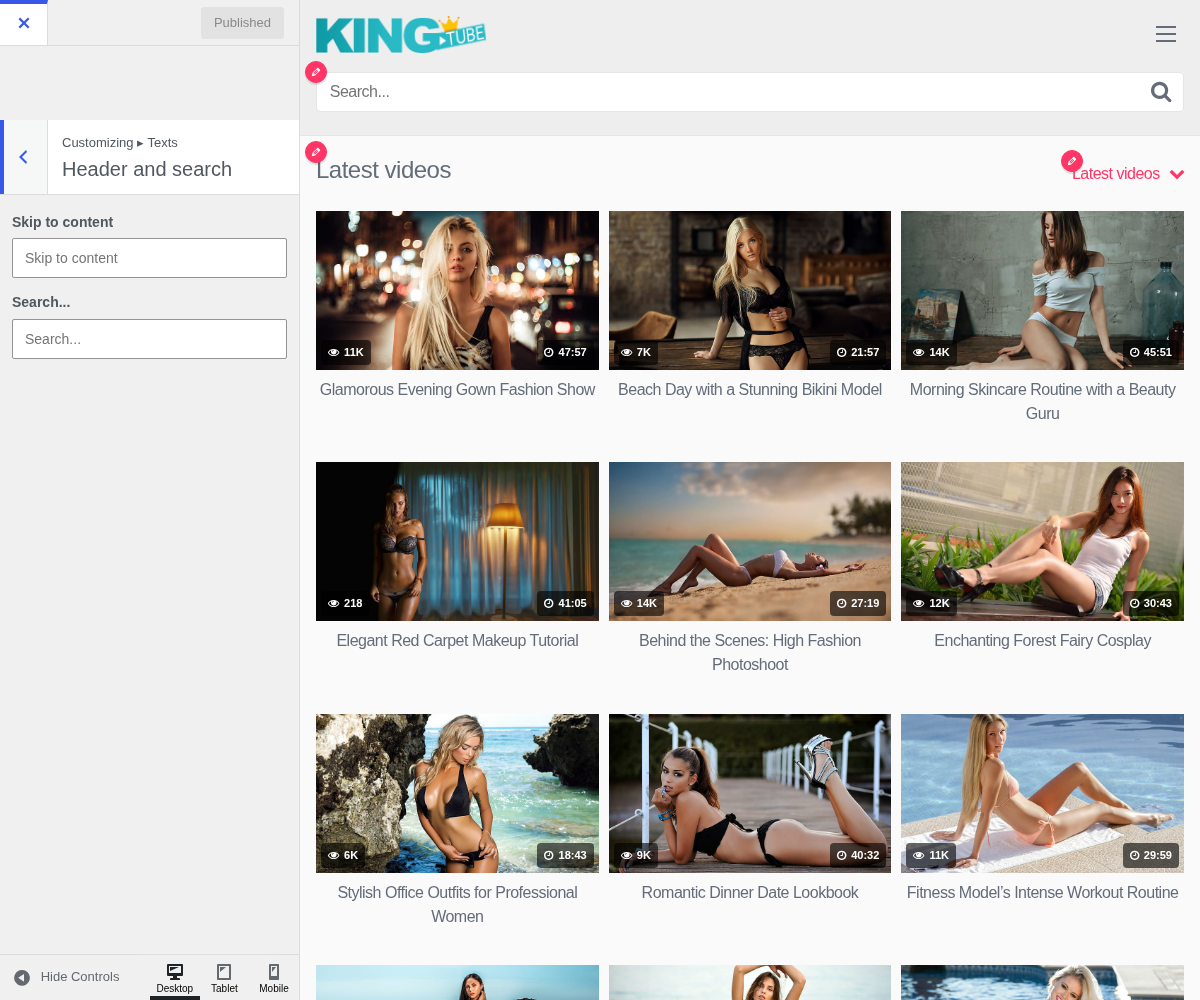
With the Texts panel open, a pencil sits next to every text of the theme in the preview. Click one and the field of that text opens in the panel; type your own wording and, for most texts, the preview updates as you type. Texts holding a code or some HTML reload the preview instead. Publish when you are done.
You can also browse the texts by section: Header and search, Video lists, archives and search results, Video page, Comments, Widgets, Login and registration, Video submission, Profile and favorites, and Other texts.
- Leave a field empty to keep the original text in the language of your site. It shows in grey in the empty field, so you always know what you are replacing.
- Keep the codes of the original text, like
%sor%1$s: they are replaced by a number, a name or a link. A custom text that loses or adds a code is ignored and the original is shown, since it would break the sentence. - Your texts only replace what visitors see. The admin keeps the theme's own wording.
The entries of the menus you built in Appearance → Menus get no pencil: you wrote them yourself, and you rename them there.
No translation plugin is needed for any of this. To replace a few words, the Texts panel is quicker than editing a translation file, and an update of the theme does not undo it.
The Texts panel of the Customizer, then its Header and search section open: