Logo & Favicon
Your logo, which can be an icon with a line of text or an uploaded image, and the favicon.
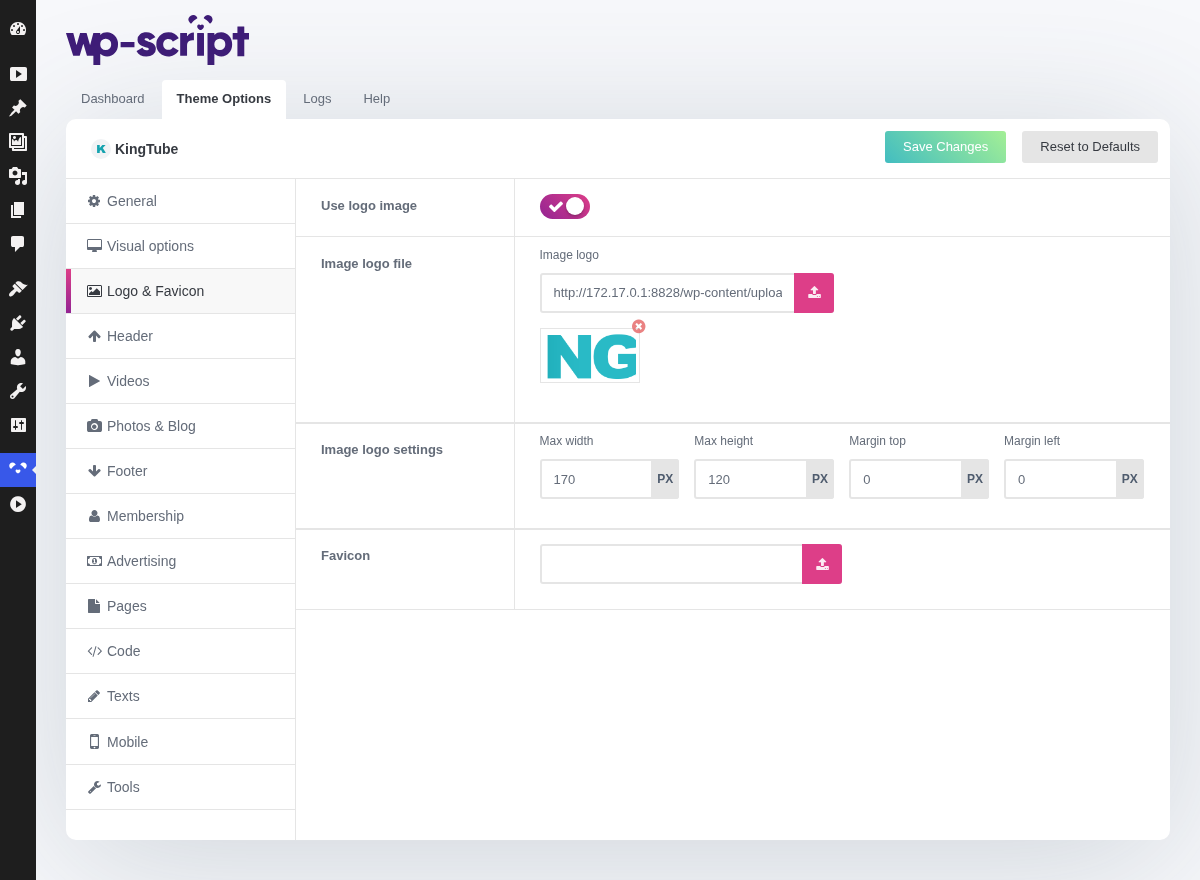
1. Use Logo Image

The switch that decides which set of fields below applies. Off, the header prints a Font Awesome icon and a line of text, both set in Icon Logo Settings and Text Logo Settings. It costs nothing, stays sharp on every screen, and is a reasonable place to start.
On, it uses the file you upload in Image Logo File. Use one if you have real branding: a designed logo beats an icon and a word every time.
2. Icon Logo Settings

3. Text Logo Settings

4. Image Logo File

5. Image Logo Settings

6. Favicon

The small icon in the browser tab and in a visitor's bookmarks. Upload a square image, at least 512 by 512 pixels: it is scaled down to sizes as small as 16 pixels, so anything with fine detail turns to mush.
It is easy to skip and it is the one piece of branding a returning visitor sees before your site even loads.