Footer
The footer: its columns, its logo and the copyright bar.
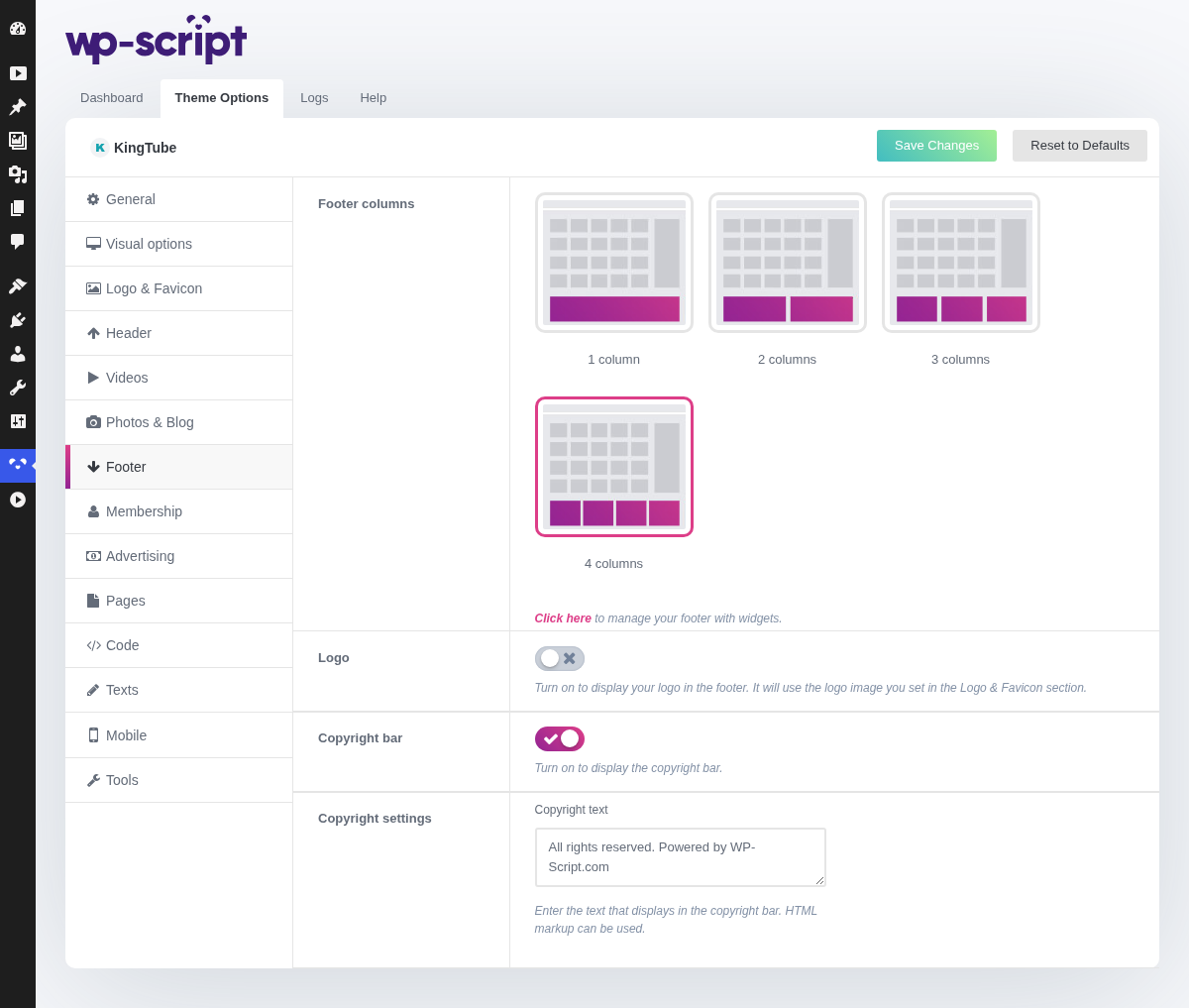
1. Footer Columns
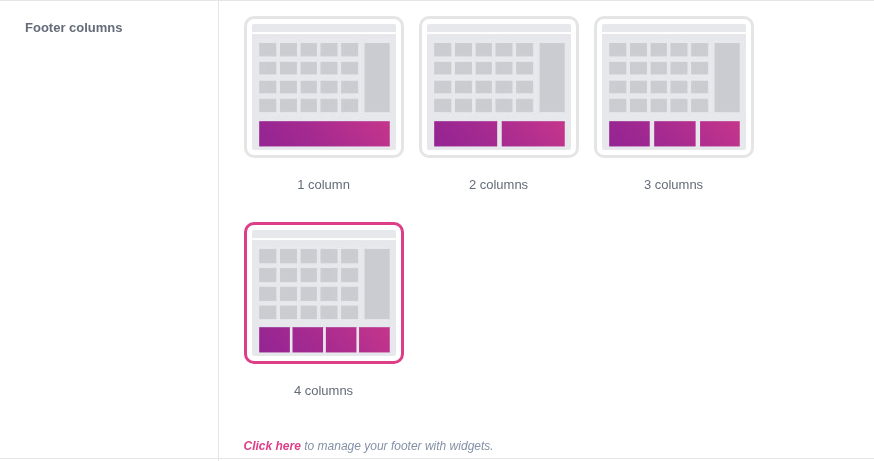
Click here to manage your footer with widgets. Decides how many widget areas the footer is split into. They are filled at Appearance → Widgets, and an empty column simply takes no space.
Three or four columns is the usual shape: enough for a menu, a legal block and something else, without turning the bottom of every page into a second homepage.
2. Logo

Turn on to display your logo in the footer. It will use the logo image you set in the Logo & Favicon section.
3. Copyright Bar

Turn on to display the copyright bar. Leaving it empty prints nothing, which is a valid choice: the legal pages in your footer menu are what actually matter.
4. Copyright Settings

Enter the text that displays in the copyright bar. HTML markup can be used. If you write your own text, the year in it stays as you typed it, so leave the year out unless you want to think about it every January.