Tag Pages
The heading and text printed on every tag archive.
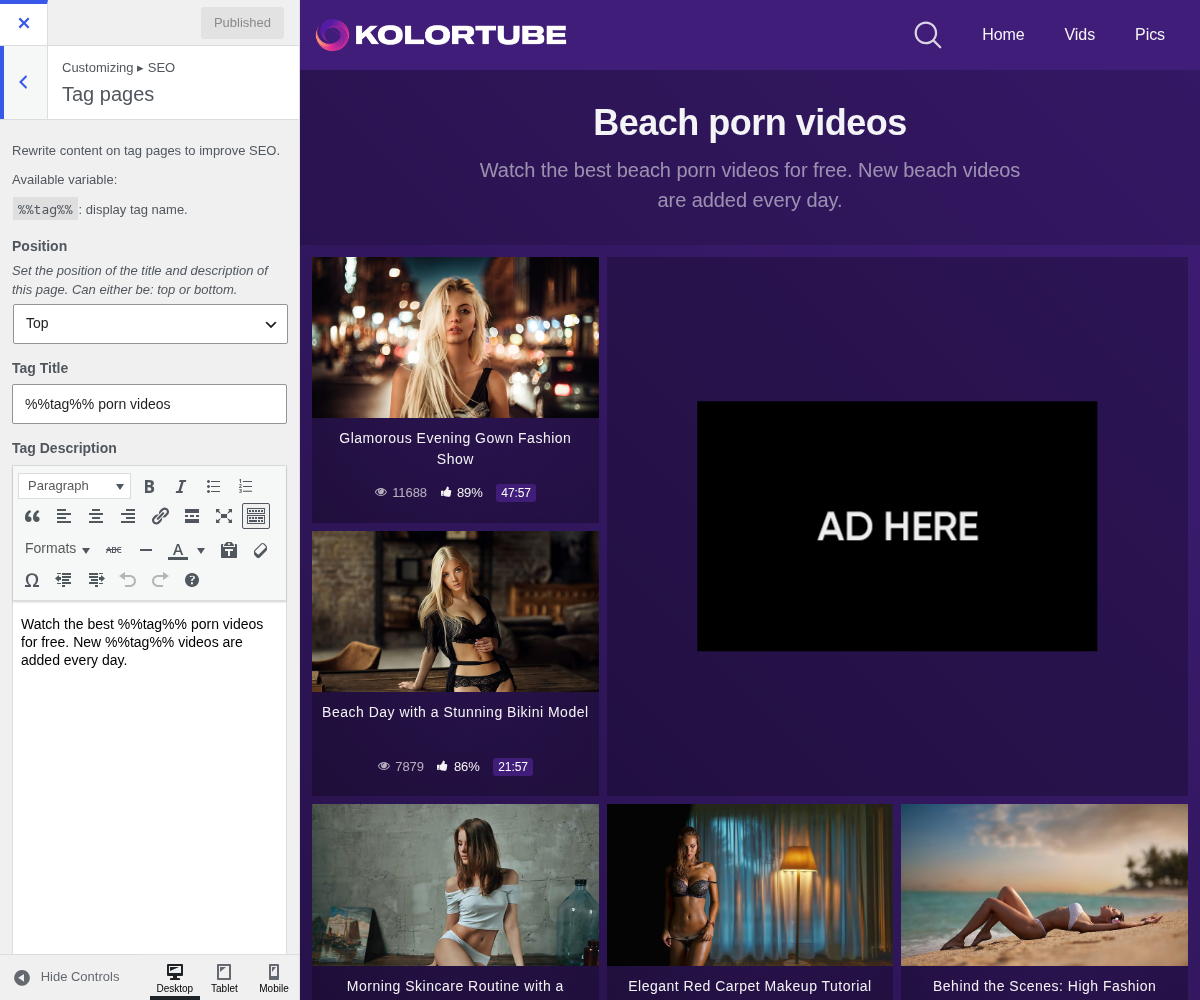
1. Position

Set the position of the title and description of this page. Can either be: top or bottom.
2. Tag Title

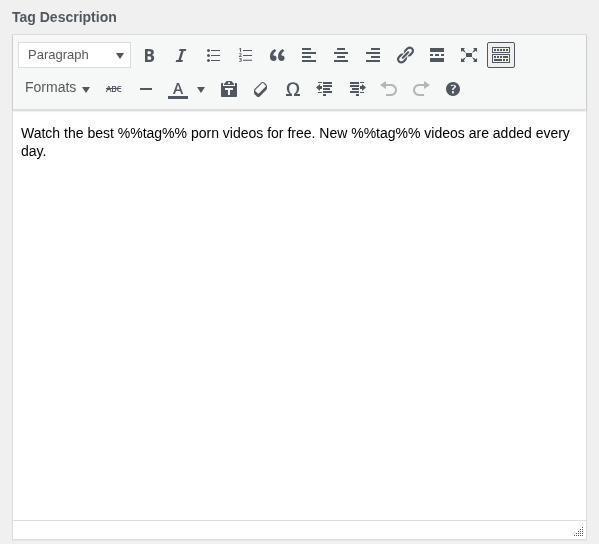
3. Tag Description
4. How this text is used
The title and the description are printed on the page itself, as a visible heading and paragraph, not as meta tags. They are there for the visitor as much as for the search engine.
Position places the block above or below the video grid. Below is the usual choice: the visitor came for videos, and a paragraph of text between them and the grid is a paragraph they scroll past. Above is for pages where the text is genuinely the point.
The description field is a full editor, so links and formatting work.
5. Write it once, for every tag
You are not writing one page here, you are writing the template every tag
archive uses. %%tag%% is replaced with the name of the tag being viewed, so a
single sentence covers all of them.
Drop the variable and every tag archive on your site carries identical text, which search engines read as duplicate content across your own pages. Keep it in.
If one tag deserves its own wording, this panel cannot do it: it is one text for all of them.