General
Three switches that decide how a thumbnail behaves under the mouse, and if a video can carry an outbound link.
None of them changes the layout, so the effect is easiest to judge by hovering a thumbnail in the preview rather than by reading the labels.
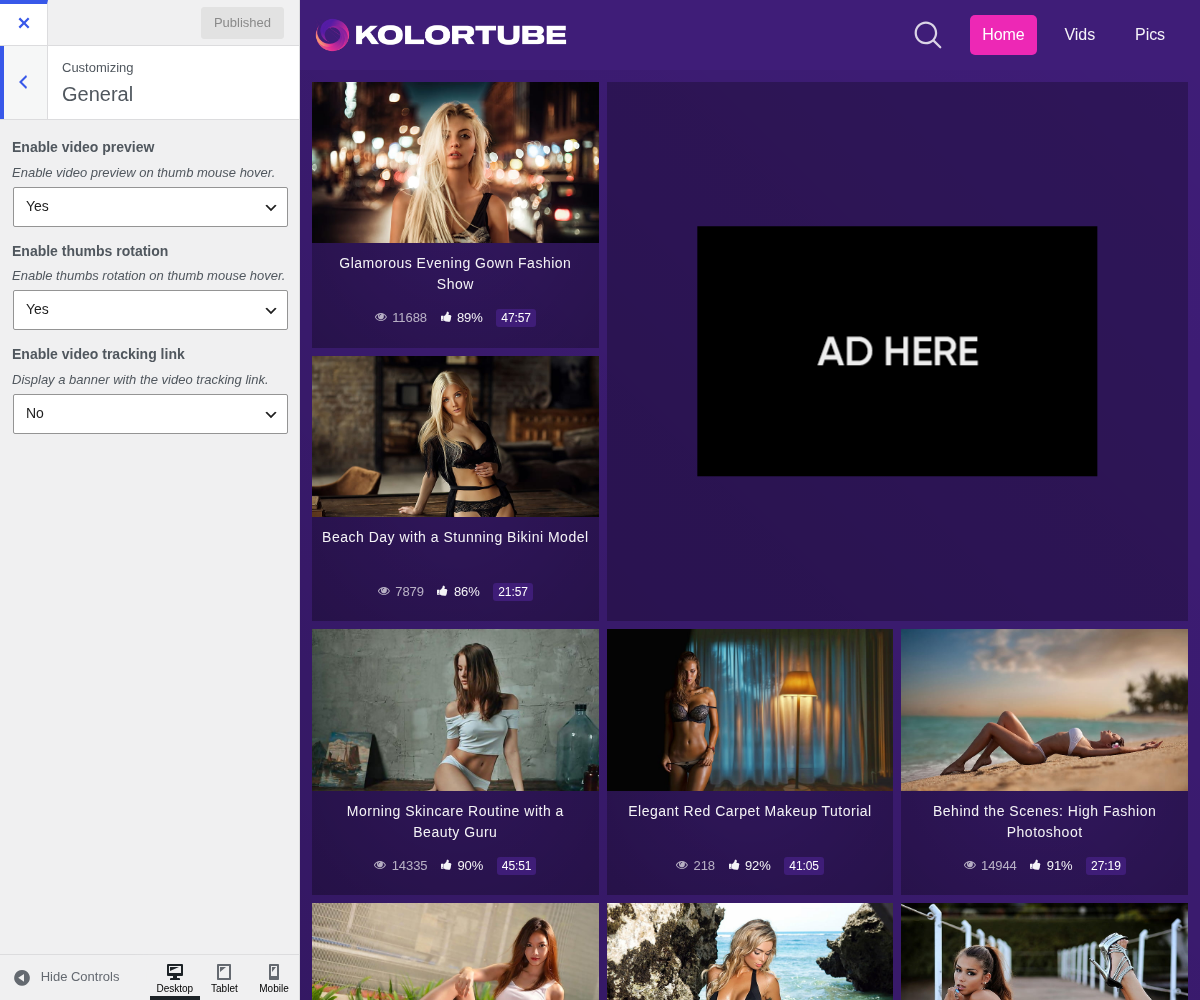
1. Enable Video Preview

Enable video preview on thumb mouse hover.
2. Enable Thumbs Rotation

Enable thumbs rotation on thumb mouse hover.
3. Enable Video Tracking Link

Display a banner with the video tracking link.
4. What these settings need from your videos
Two of the three do nothing on their own: they switch on a behaviour that needs data on the video itself.
- Video preview plays the file set in the video's Video trailer URL. A video without one keeps showing its thumbnail, quietly.
- Thumbs rotation cycles through the images in the video's Thumbnails field. Again, nothing to rotate means nothing happens.
- Video tracking link prints the video's Tracking URL under the player, labelled with the text set in SEO → Single video pages.
So if you switch one on and see no change, check the video before checking the setting. See Video Information.
Every hover fetches a trailer file. On a grid of sixty thumbnails that adds up fast, and it is felt first by the mobile visitors who make up most of a tube's traffic. Keep trailer files short and small.