Scripts
Three fields for the third-party code every site ends up carrying: analytics, ownership verification, and everything else.
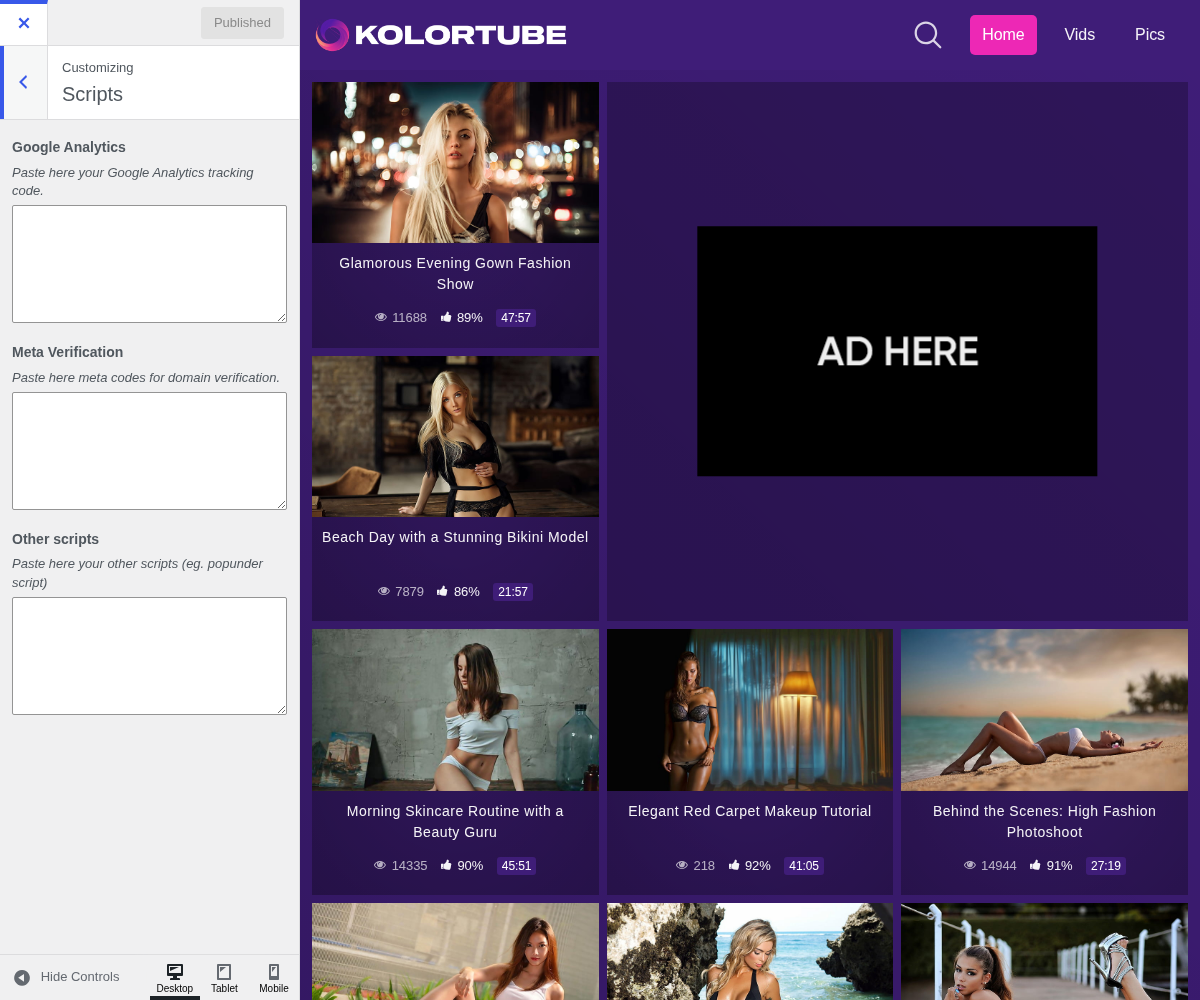
1. Google Analytics

Paste here your Google Analytics tracking code.
2. Meta Verification

Paste here meta codes for domain verification.
3. Other Scripts

Paste here your other scripts (eg. popunder script)
4. Which field to use
They differ by where the code is printed, which matters more than it sounds.
- Google Analytics takes your tracking snippet, printed in the page head.
- Meta Verification takes the
<meta>tags that services hand you to prove you own the domain: Google Search Console, Bing, and the ad networks. These only work in the head, which is why they get their own field. - Other scripts is the catch-all for anything else.
Paste each snippet exactly as the service gives it to you, <script> tags
included. The theme prints them as is and does not add tags around them.
A bad snippet here can take the whole site down, and it will do it on every page at once. Add them one at a time and reload the front end after each, rather than pasting three at once and wondering which broke it.
5. A note on performance
Every script here is loaded on every page, for every visitor. Analytics and verification tags are small, but ad network and chat widget scripts are often not, and they are loaded before your content finishes rendering.
If your pages feel slow after adding something here, that is where to look first.