Copyright
The line printed at the bottom of every page, next to the footer menu.
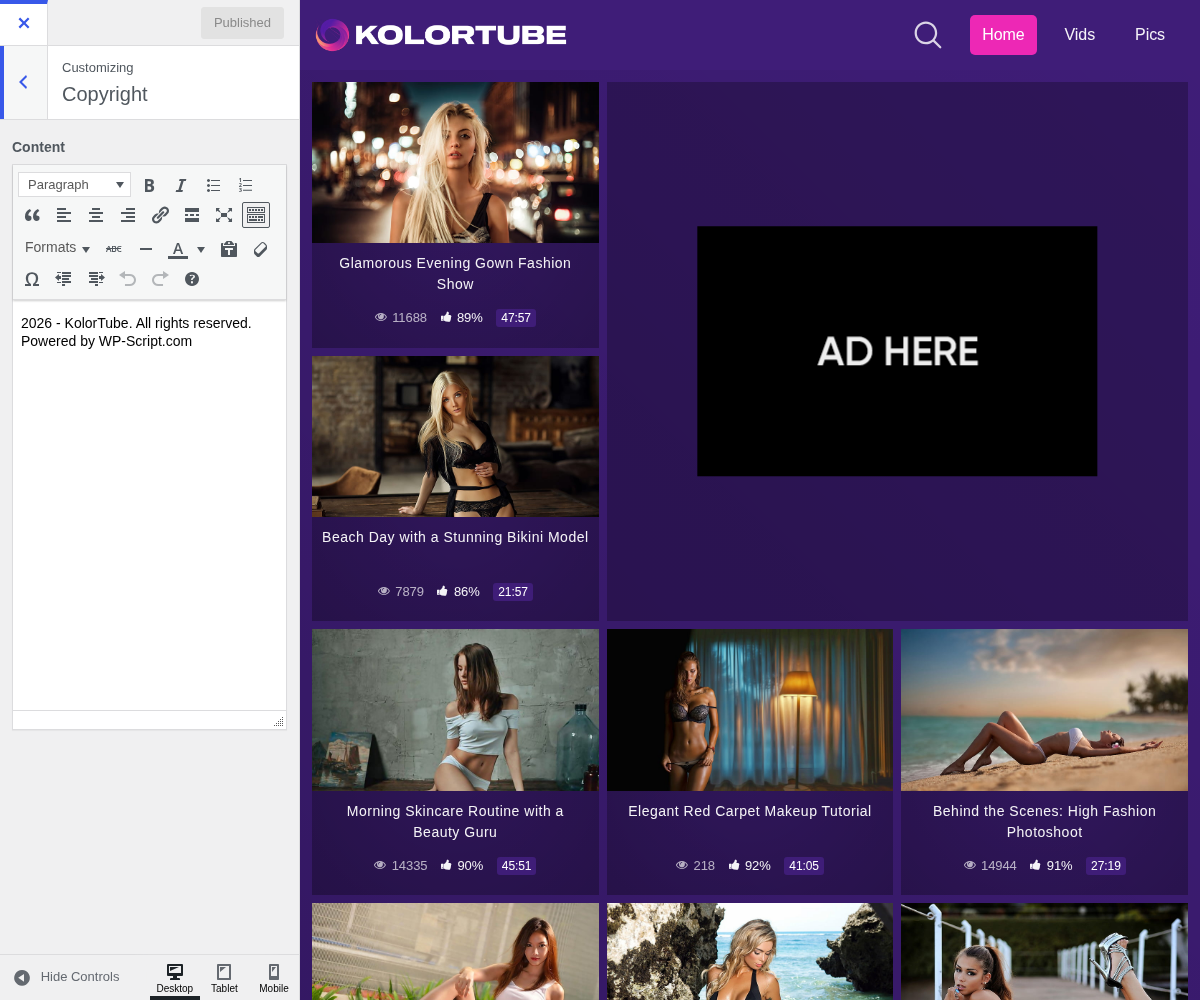
1. Content
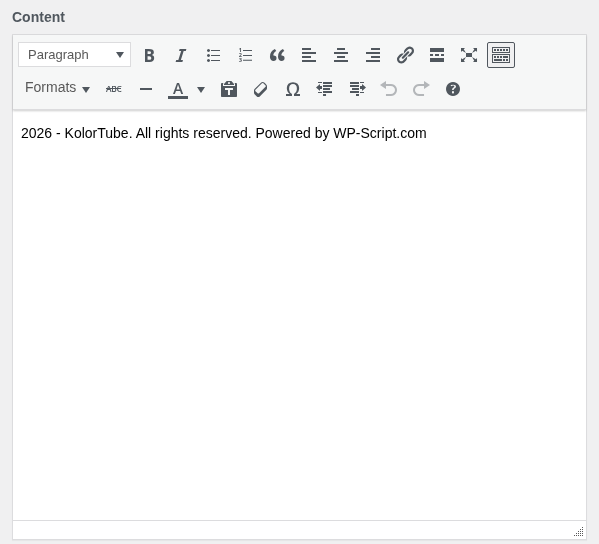
2. What to put in it
The field takes HTML, so a link works:
© 2026 <a href="https://example.com">Your Site</a>. All rights reserved.
Leaving it empty prints nothing at all, which is a valid choice: the footer menu with your legal pages is what actually matters, and those are created for you when the theme is activated.
The default updates its own year, yours will not
Left alone, the field prints the current year, your site name and a credit line, and the year follows the calendar on its own.
The moment you type your own text it becomes plain text, so a year you write stays as you wrote it. If you would rather not think about it every January, leave the year out of your version entirely.