Homepage
A heading and a paragraph printed at the bottom of your homepage, under the videos. This is the block tube sites use to say what the site is about in words a search engine can read, since a wall of thumbnails gives it almost nothing.
It is visible content, not a meta tag. The title shown in the browser tab and in search results comes from WordPress and from your SEO plugin, and nothing here changes it.
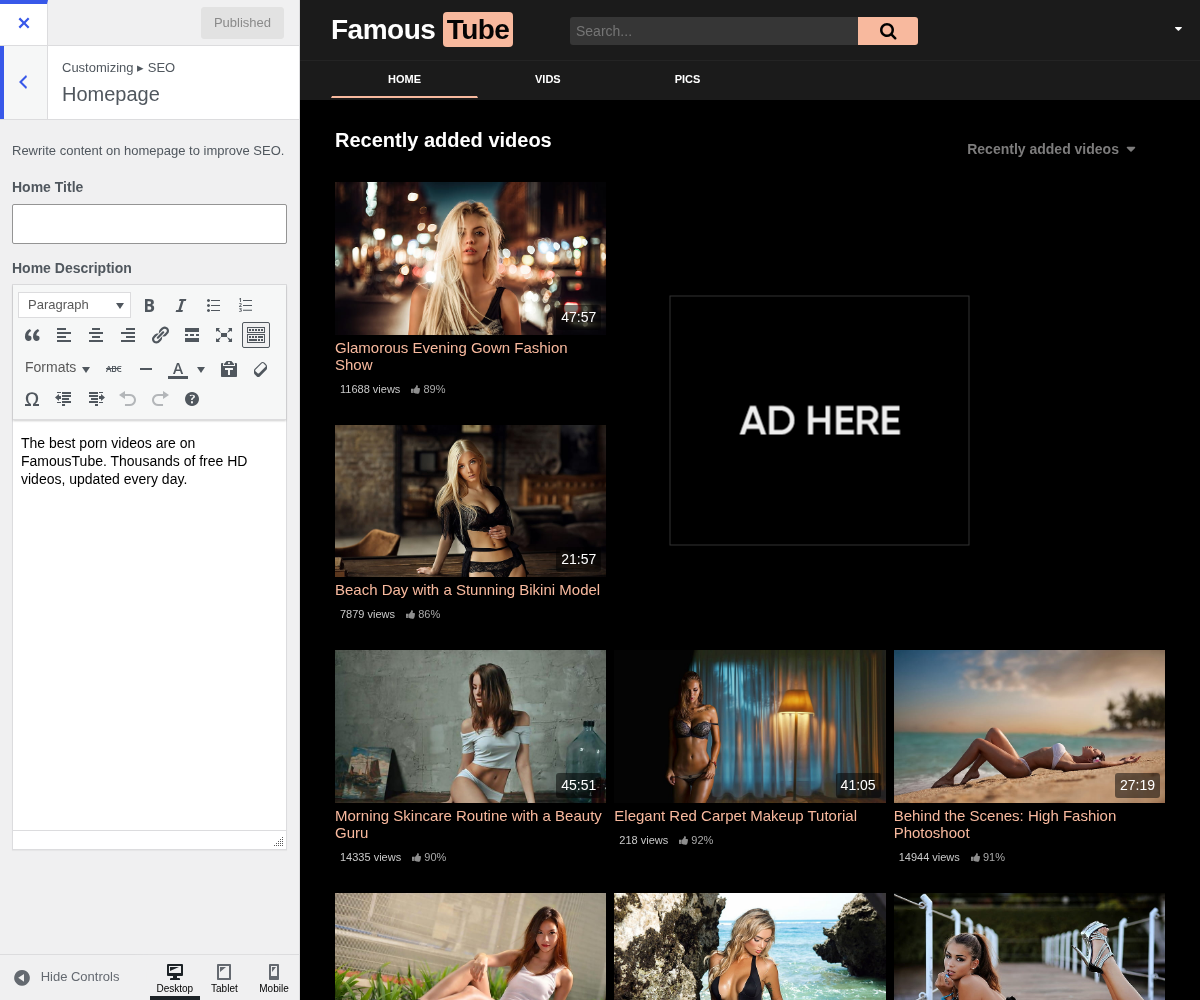
1. Home Title

The heading of that block, printed as the <h1> of the homepage.
Defaults to your WordPress tagline, from Settings → General. Since it is the page's main heading, it is worth making it a sentence about the site rather than a list of keywords: it is read by visitors as well as by crawlers.
2. Home Description
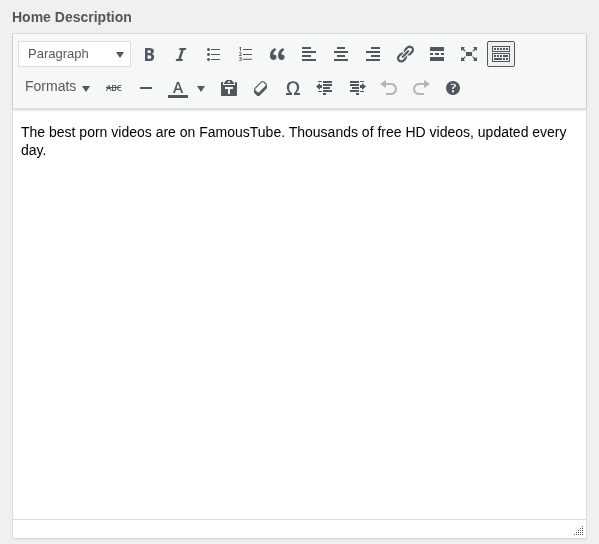
The paragraph under that heading.
Line breaks are kept, so you can write several short paragraphs rather than one block. A few hundred words is the usual size on a tube homepage: enough to say what the site covers, short enough that nobody has to scroll past an essay.
An empty field means the block is not printed at all, so a page with nothing to say does not carry an empty box. Write these when you have something worth reading, not to fill the field.
3. Where to go next
- Category Pages does the same for archives, with a variable so one text covers every category.