Category Pages
The heading and the text of your category archives, written once and applied to every category through a variable.
The heading is printed at the top of the page, above the videos. The text sits at the bottom, under the pagination.

1. Category Title

The <h1> at the top of a category archive.
Defaults to %%cat%% porn videos, where %%cat%% is replaced by the category
name, so the pattern gives Amateur porn videos and Blonde porn videos from
one line.
Keep the variable at the start. It is the word the visitor searched for, and it is what they scan the page for when they arrive.
2. Category Description
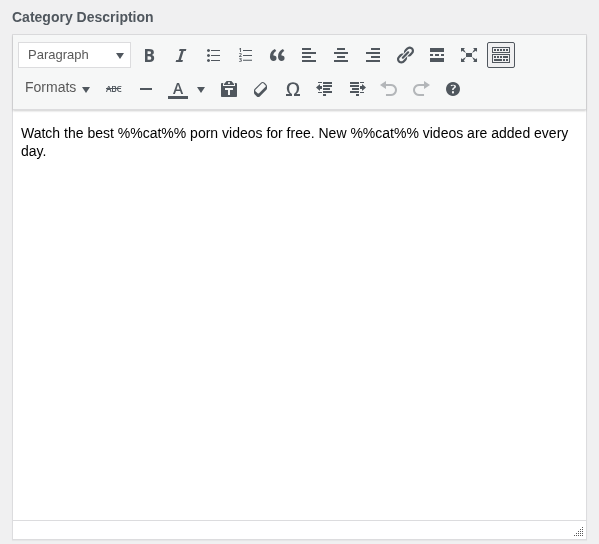
The text at the bottom of a category archive, with the same %%cat%% variable.
Line breaks are preserved, so several short paragraphs are possible.
One pattern has to read naturally for every category you have, so write it with your longest category name in mind and check it against the shortest.
An empty field means the block is not printed at all, so a page with nothing to say does not carry an empty box. Write these when you have something worth reading, not to fill the field.
3. Where to go next
- Tag Pages works the same way with
%%tag%%.