General
The two settings that shape the whole site: the colour every accent is drawn from, and how many videos a listing page holds.
Both live in the WordPress Customizer, so the preview on the right updates as soon as you change them. Nothing is applied to your live site until you click Publish.
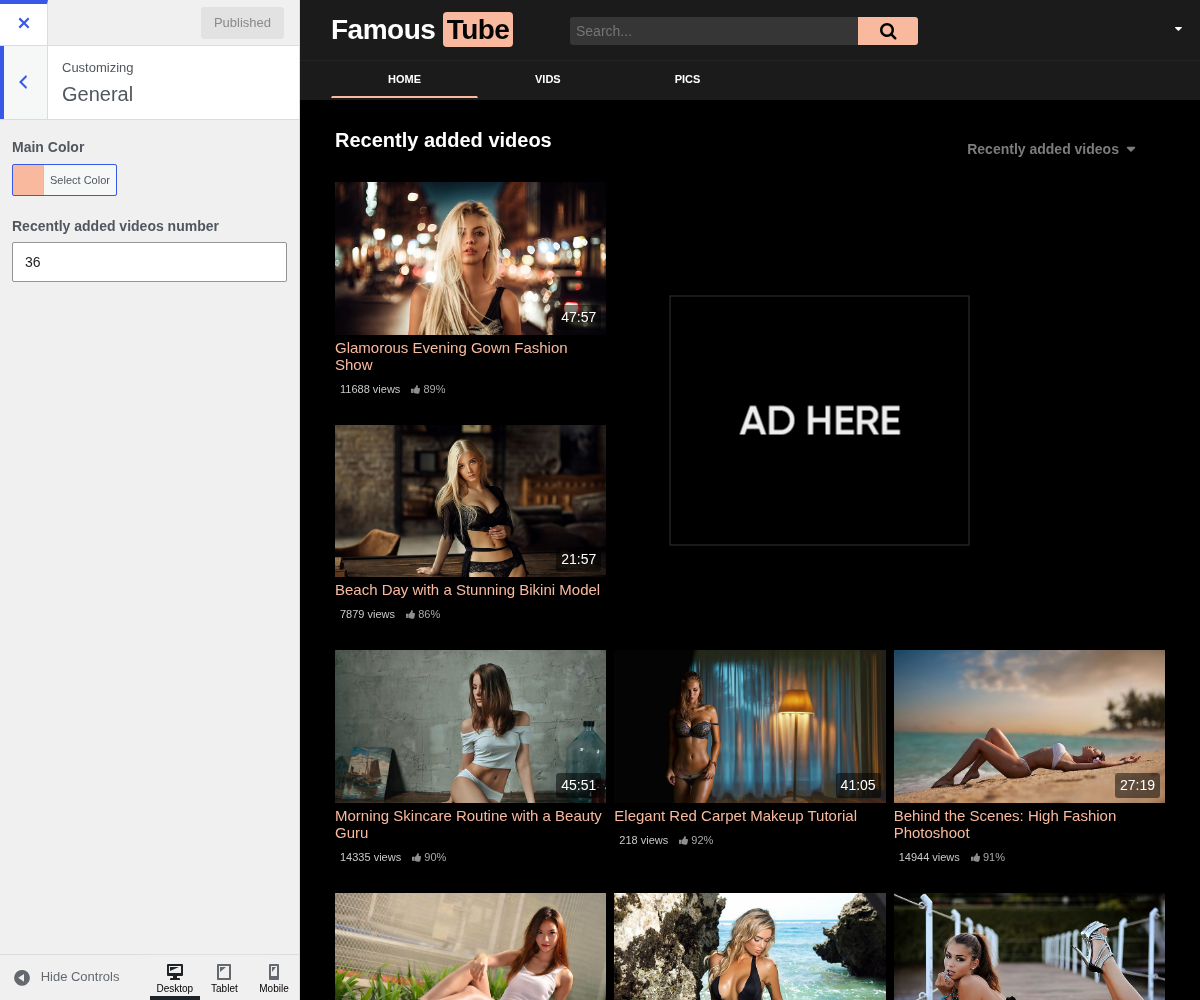
1. Main Color

The single accent colour of the theme. It is worth getting right first, because almost every coloured element on the site is drawn from it:
- the second word of your logo, and the search button next to it
- the underline on the active menu item, and on the active tab of a video page
- every link, and the hover state of tags and of the like button
- the progress bar that fills while a thumbnail preview loads
- the buttons, and the border of the first and last pagination arrows
- the mobile hamburger icon
Defaults to #ff9900. Pick the colour your logo already uses: the header reads
as one piece when the logo's second word and the search button share it.
The theme does not adjust the text colour on top of this one. A very light accent leaves white button labels hard to read, so check a button and the pagination after changing it.
2. Recently Added Videos Number

How many videos a listing page shows before pagination starts. Defaults to 36.
Despite the name, this is not only the homepage. The theme applies it to every main listing query, so the same number governs your category, tag, actor and search result pages.
Choose a multiple of the number of thumbnails per row, so the last row of every page is full rather than leaving one or two orphans. A higher number means fewer pages for a visitor to click through, at the cost of a heavier page: each extra video is another thumbnail to load.
3. Where to go next
- Logo & Favicon is where the two words of the logo are set, the second of which takes the main colour.
- Advertising controls the ad zones sitting between the videos these settings lay out.