Scripts
Three places to put code that runs on every page, without editing a theme file.
Anything added here survives a theme update, which is the whole point: a snippet
pasted into header.php is gone the next time you update.
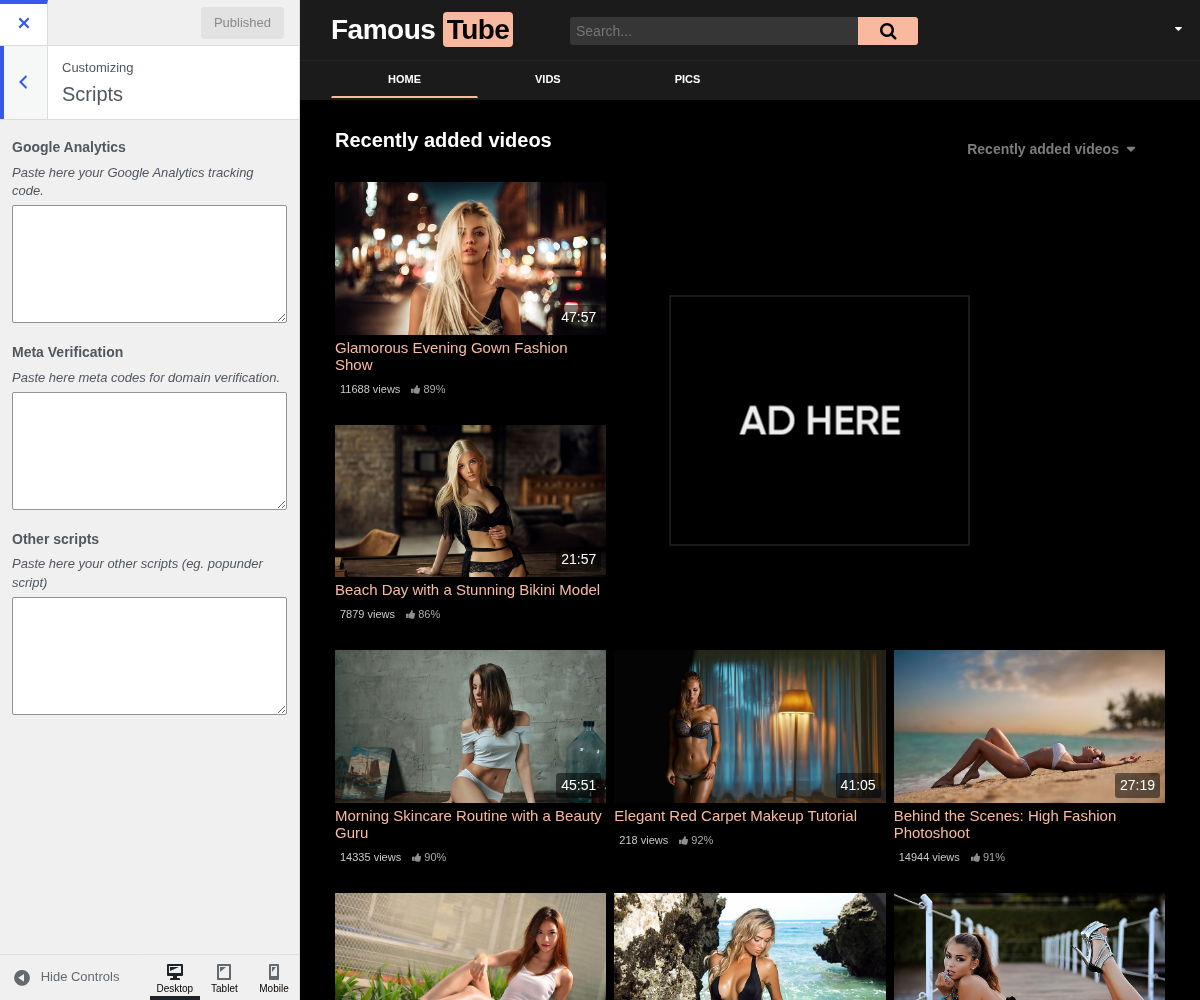
1. Google Analytics

Your analytics tag, pasted whole, <script> tags included.
Works with any analytics that ships as a script tag, not only Google. If you use a privacy-focused alternative such as Plausible or Matomo, its snippet goes here just as well.
Google's terms do not welcome adult content, and accounts have been closed over it. Many tube operators use a self-hosted Matomo or a provider without that restriction. Worth knowing before you build reporting on top of it.
Paste here your Google Analytics tracking code.
2. Meta Verification

The meta tags search engines and social platforms ask you to add to prove you own the domain, for example the one Google Search Console gives you.
Paste the whole <meta ... /> tag. Several can be stacked one per line, so
Search Console, Bing and a webmaster tool can share the field.
Once a service is verified it usually keeps working after the tag is removed, but there is no reason to remove it, and taking it out can cost you the verification at the worst moment.
Paste here meta codes for domain verification.
3. Other Scripts

Anything else that has to be on every page: a chat widget, an ad network's loader, a consent script, a verification pixel.
Added to the page as given, so a broken snippet here breaks the front end everywhere. Add one at a time and look at the site after each, rather than pasting four and wondering which one did it.
For a cookie banner and the consent it needs, the ready-made option is WPS Cookie Consent rather than a script pasted here.
Paste here your other scripts (eg. popunder script)
4. Where to go next
- Advertising for ad code, which goes in its own zones rather than here.