Video Submission
FamousTube can take videos from your visitors through a form on the site itself, so you are not the only one filling the tube. Submissions arrive as pending posts waiting for you, never straight on the site.
1. Setting it up
The Submit a video page is created when the theme is activated, on the Submit a Video template. Add it to your menu, or link it from the footer.
There is nothing to switch on: the form is part of the template, so it works as soon as the page exists. If you deleted the page, create it again from the Pages tab of the Theme Options, where you can also change its slug (the old URL is redirected).
2. Visitors have to be signed in
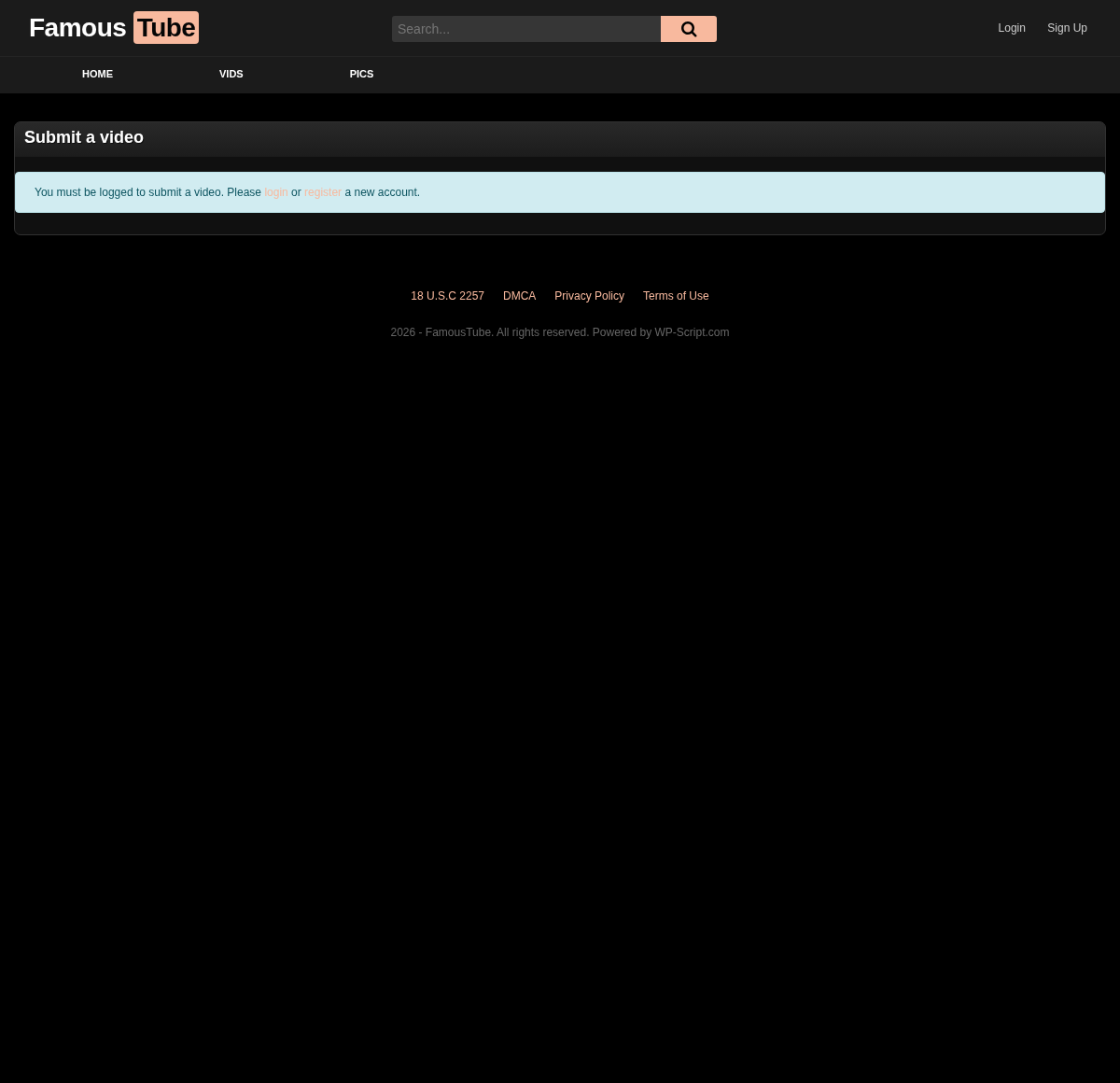
The form only renders for a logged-in visitor. Someone who is not signed in sees the page without the form.
That makes registration part of the feature, and registration is a WordPress
setting rather than a theme one: go to Settings → General and tick
Anyone can register. FamousTube then shows its own login and register
forms in the header, so nobody has to find wp-login.php.
The My Profile page, created with the theme, gives a member somewhere to see what they submitted.
3. What the visitor fills in
The form collects the same things you would fill in yourself on a post:
| Field | What it is |
|---|---|
| Title | The video title |
| Description | The post content |
| Video URL | A direct mp4 link |
| Iframe / Embed code | The embed from the source tube, as an alternative to the URL |
| Thumbnail URL | The preview image |
| Category | Picked from a list of your existing categories |
| Tags | Free text, separated by commas |
| Actors | Free text, separated by commas |
| Duration | Hours, minutes and seconds |
Nothing is mandatory, so a visitor can send a title and little else. Expect to fill in the gaps yourself before publishing: a video with no thumbnail and no duration looks broken in your listings, since those are what a card shows.
4. Nothing is published automatically
Every submission is created with the pending status, so it lands in Posts under Pending, not on your homepage. You review it, fix what needs fixing, and publish.
The form accepts an embed code or a URL from someone you do not know. Open it and look at it first: what ends up on your site is your responsibility, and an adult site attracts submissions you would rather not host.
5. Keeping the automated submissions down
Requiring an account already stops most of it, since a bot has to register before it can post anything. Beyond that, the practical defence is the review queue: nothing is public until you publish it, so an unwanted submission costs you a click rather than a takedown.
Watch the queue in the first weeks after you link the page. If it fills with junk faster than you can read it, turn registration back off and take submissions by email instead.
6. Where to go next
- Page Templates covers the Submit a Video and Profile templates.
- Troubleshooting if the form does not appear.