Footer
The footer columns, the social profiles and the copyright line.
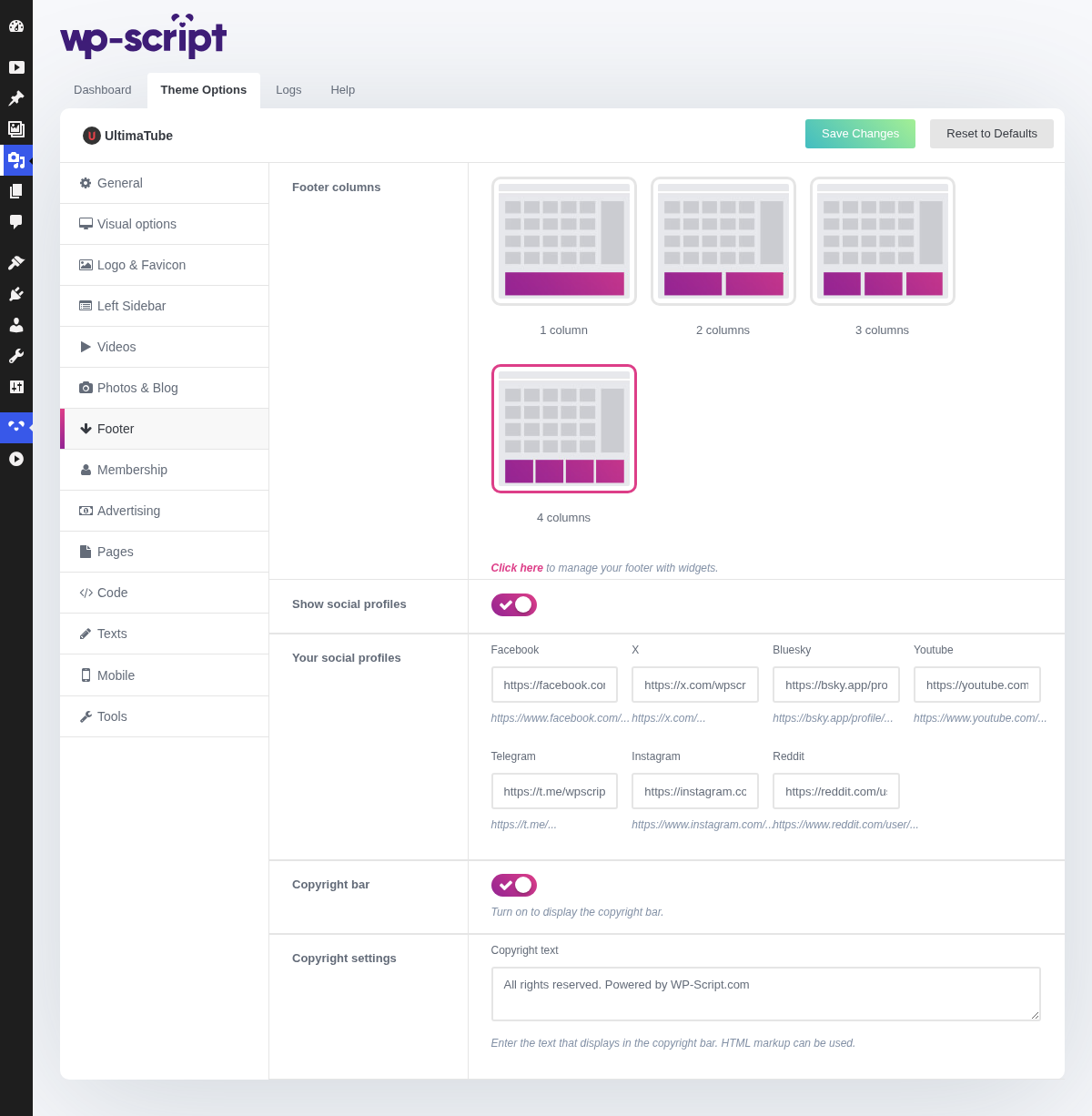
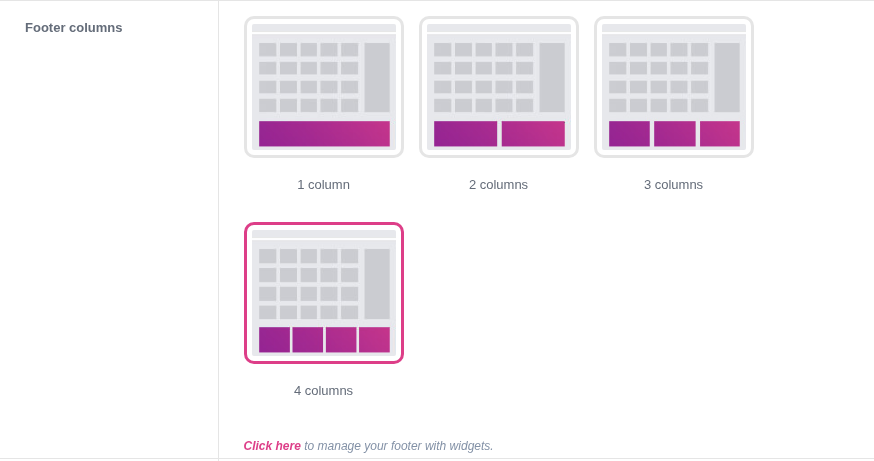
1. Footer Columns
Click here to manage your footer with widgets.
The column count and the footer widget area are two halves of one setting. Four columns with three widgets leaves a gap; three columns with four pushes the last one onto a second row. Set the number here first, then fill exactly that many widget slots.
2. Show Social Profiles

The icons appear only for the networks you fill in below, so an empty field is not a broken icon: it is simply not printed.
3. Your Social Profiles
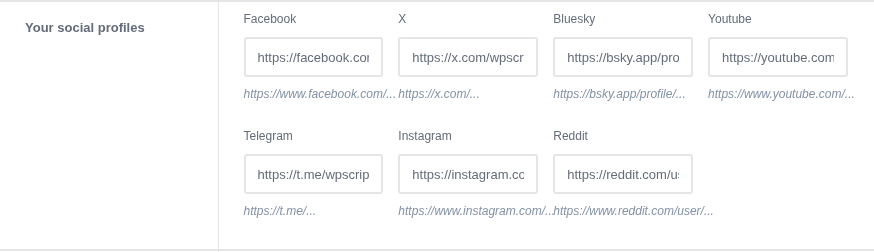
Seven networks are offered: Facebook, X, Bluesky, Telegram, Instagram, Reddit and YouTube. Paste the full profile URL rather than a handle.
4. Copyright Bar

Turn on to display the copyright bar.
5. Copyright Settings

Enter the text that displays in the copyright bar. HTML markup can be used.
The cheapest way to make a site look maintained. It accepts HTML, which is where the legal links usually go: 2257 compliance, DMCA, terms and privacy are expected in the footer, and adult traffic networks check for them.