Logotype
Your logo: two words drawn by the theme, plain text, or an image you upload.
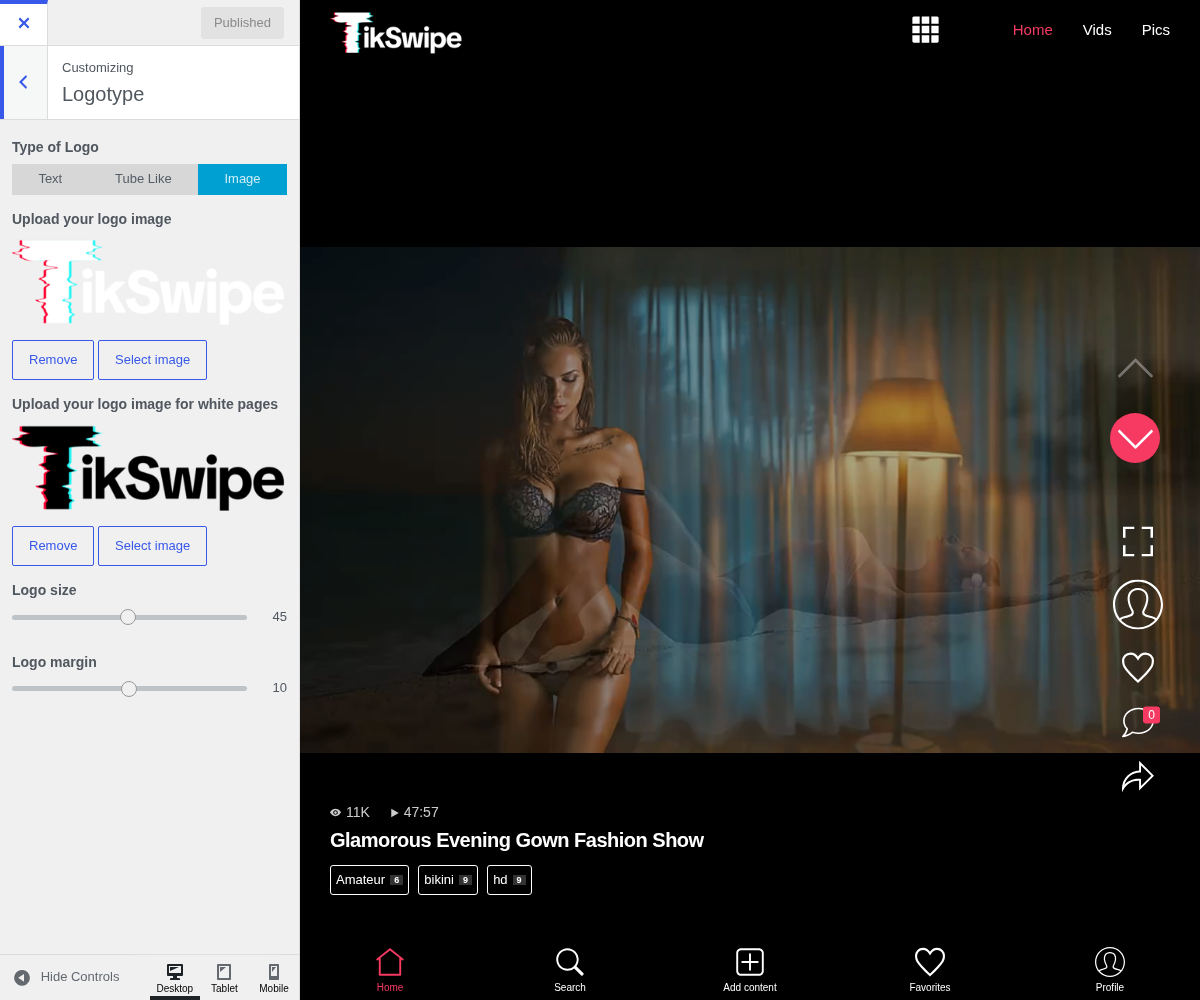
1. Type Of Logo

The first choice, and it decides which of the fields below do anything.
- Text prints your site title.
- Tube Like builds the two-word logo, the second word on a coloured block. This is what Word 1, Word 2 and Word 2 color are for.
- Image uses files you upload, with the size and margin fields.
Fields that belong to another type are hidden, so the panel only ever shows what applies. On versions before this one Word 2 color stayed visible whatever the type was, which made it look broken.
2. Word 1

The first word (eg. Big)
3. Word 2

The second word or expression (eg. Boobs). Will have colored background.
4. Word 2 Color

5. Upload Your Logo Image
This is the one that gets missed. Most of TikSwipe is drawn on black, so a white logo is the obvious choice, and then it vanishes on the few screens that are not. See Upload your logo image for white pages below.
6. Upload Your Logo Image For White Pages
Takes a dark version for the few screens not drawn on black. If you only ever upload one, the logo disappears somewhere and it is never where you were looking.
7. Logo Size

Applies to the image logo only. A percentage of the space available rather than a pixel value, so it holds up across screen sizes.
8. Logo Margin

Applies to the image logo only. Keeps the logo off the edge of the screen on a phone.