Auto Import Options
The same two capabilities are available for videos brought in through Auto Import, plus two safety switches.
These options only appear once Auto Import itself is enabled.
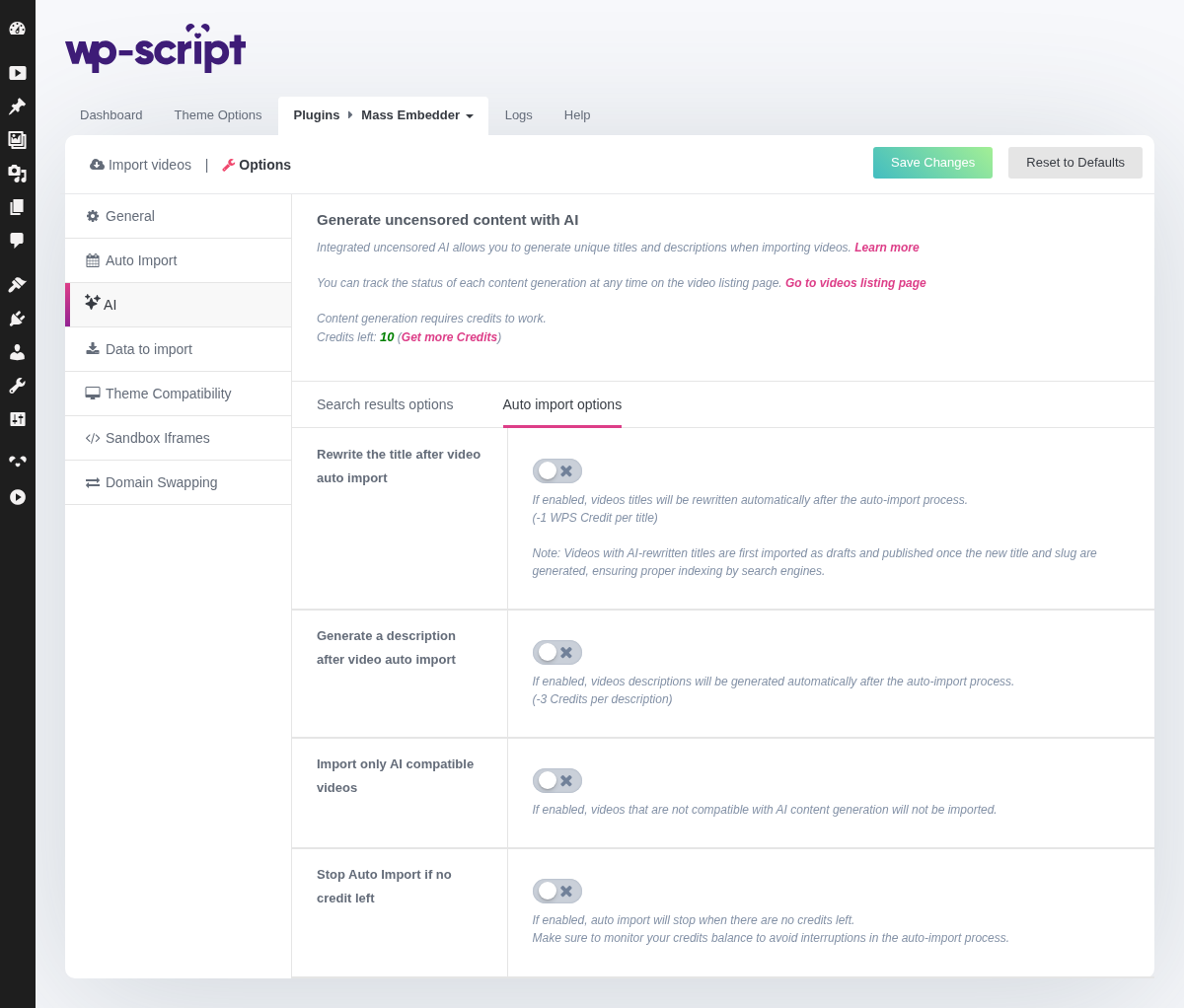
1. Rewrite The Title After Video Auto Import

Rewrites the title of every auto-imported video (off by default). Costs 1 WPS Credit per title.
Videos with an AI-rewritten title are first imported as a draft and only published once the new title and slug are ready, so search engines always index the final URL rather than a placeholder.
2. Generate A Description After Video Auto Import

Generates a description for every auto-imported video (off by default). Costs 3 WPS Credits per description.
3. Import Only AI Compatible Videos

Skips importing videos that aren't compatible with AI content generation, instead of importing them without AI-generated content (off by default).
4. Stop Auto Import If No Credit Left

Pauses auto-import entirely once your WPS Credits balance runs out, rather than continuing to import videos without AI content (off by default). Make sure to monitor your credit balance if you rely on this.