Membership
One switch, which decides if visitors can register, log in and keep a profile.
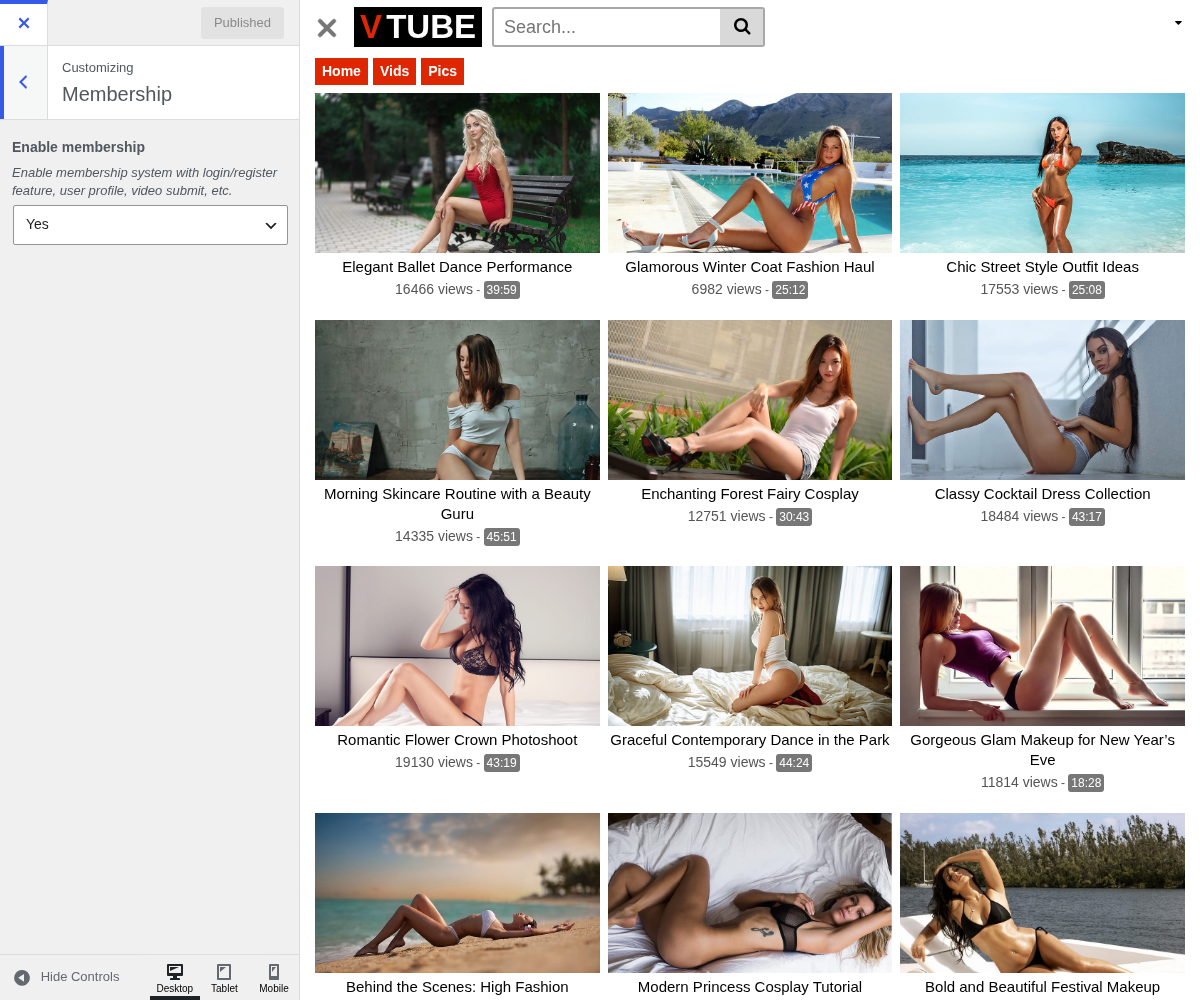
1. Enable Membership

Enable membership system with login/register feature, user profile, video submit, etc.
2. What it turns on
With it on, the header gains login and registration forms, and a logged-in visitor gets an account menu there instead. That menu is how members reach their profile page.
With it off, the header shows no account controls at all.
3. Two things it decides that are easy to miss
Video submission depends on it. The submission form only shows itself to a logged-in visitor. With membership off, anyone opening your Submit a video page is told to log in or register with no way to do either, so the page becomes a dead end. See Video Submission.
WordPress has the final say on registration. This setting shows the forms; the right to actually create an account is decided at Settings → General, under Membership: Anyone can register. If registration fails with no clear error, check that box first.
4. It is not a paywall
Members see exactly what anonymous visitors see. There is no restricted content, no subscription and no payment here. What accounts buy you is a reason for visitors to come back, and a user list you own.
The full picture is in Membership.