General
The accent colour, what the main menu carries, and how the homepage grid is ordered.
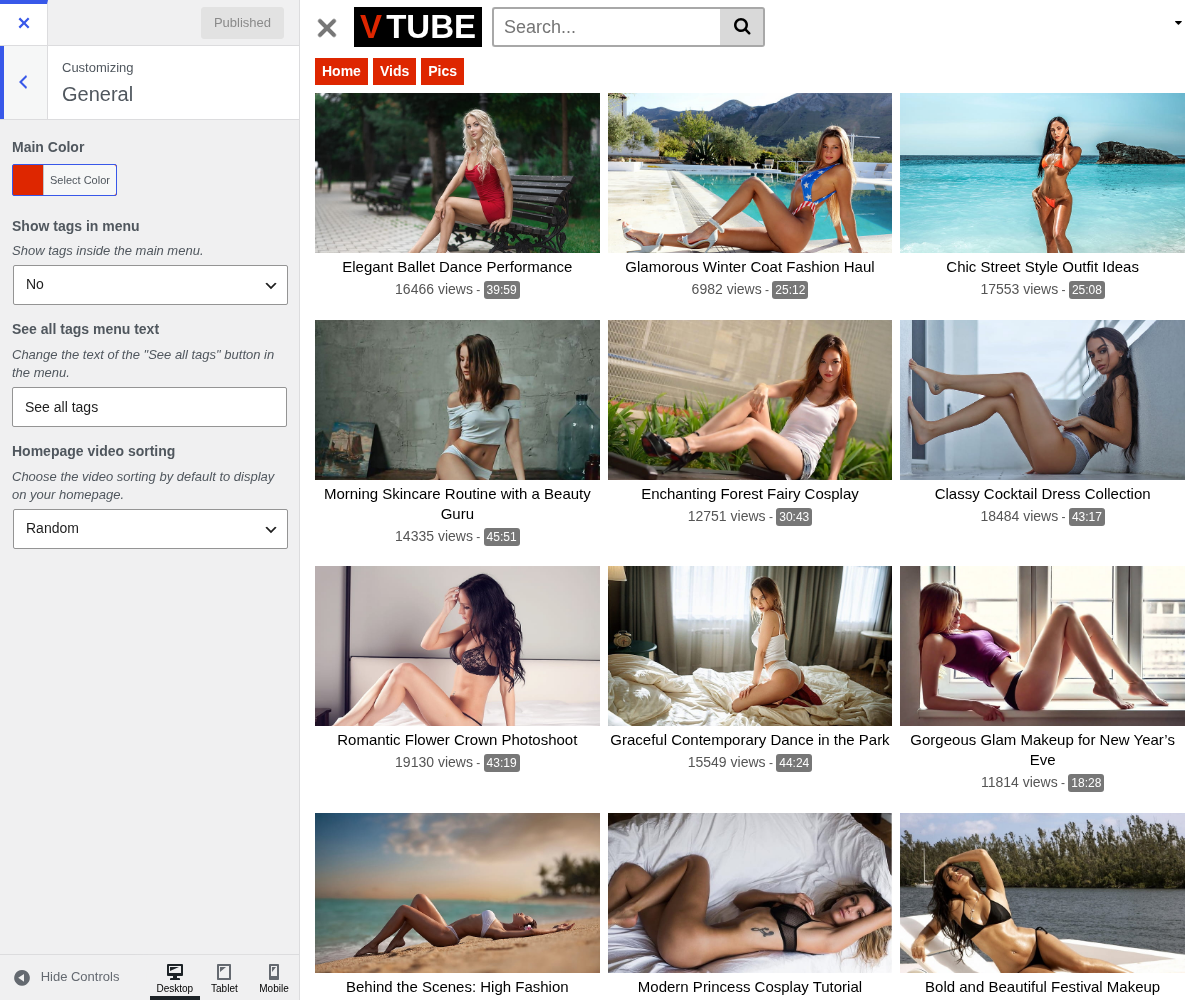
1. Main Color

2. Show Tags In Menu

Show tags inside the main menu. Off by default, and worth leaving off on most sites. Switched on, the theme appends every tag to your main menu, so a site with sixty tags buries Home, Categories, Tags and Actors under sixty buttons.
It earns its place on a small, tightly tagged site where the tags are the navigation. Otherwise the Tags page does the same job without wrecking the header.
3. See All Tags Menu Text

Change the text of the "See all tags" button in the menu. Only matters when Show tags in menu above is on.
4. Homepage Video Sorting

Choose the video sorting by default to display on your homepage. Decides what a first-time visitor sees, which makes it more consequential than it looks.
- Random gives the back of your catalogue a chance. On a library where most videos never reach the first page, that is the difference between them being seen and not.
- Newest rewards visitors who come back, since the homepage changes between visits. It also means your best videos scroll away as you publish.
- Most viewed compounds: what is already popular stays on the front page and gets more popular.
There is no right answer, but Random and Newest suit a growing site, and Most viewed suits one with a settled catalogue.
The grid changes on every load, so a page cache has less to reuse, and a screenshot of your homepage is never twice the same. Neither is a reason to avoid it, just something to expect.