Logs
WP-Script → Logs collects PHP errors and notices reported by every WP-Script theme and plugin installed on the site, in one place, so you don't have to dig through your server's PHP error log to find them.
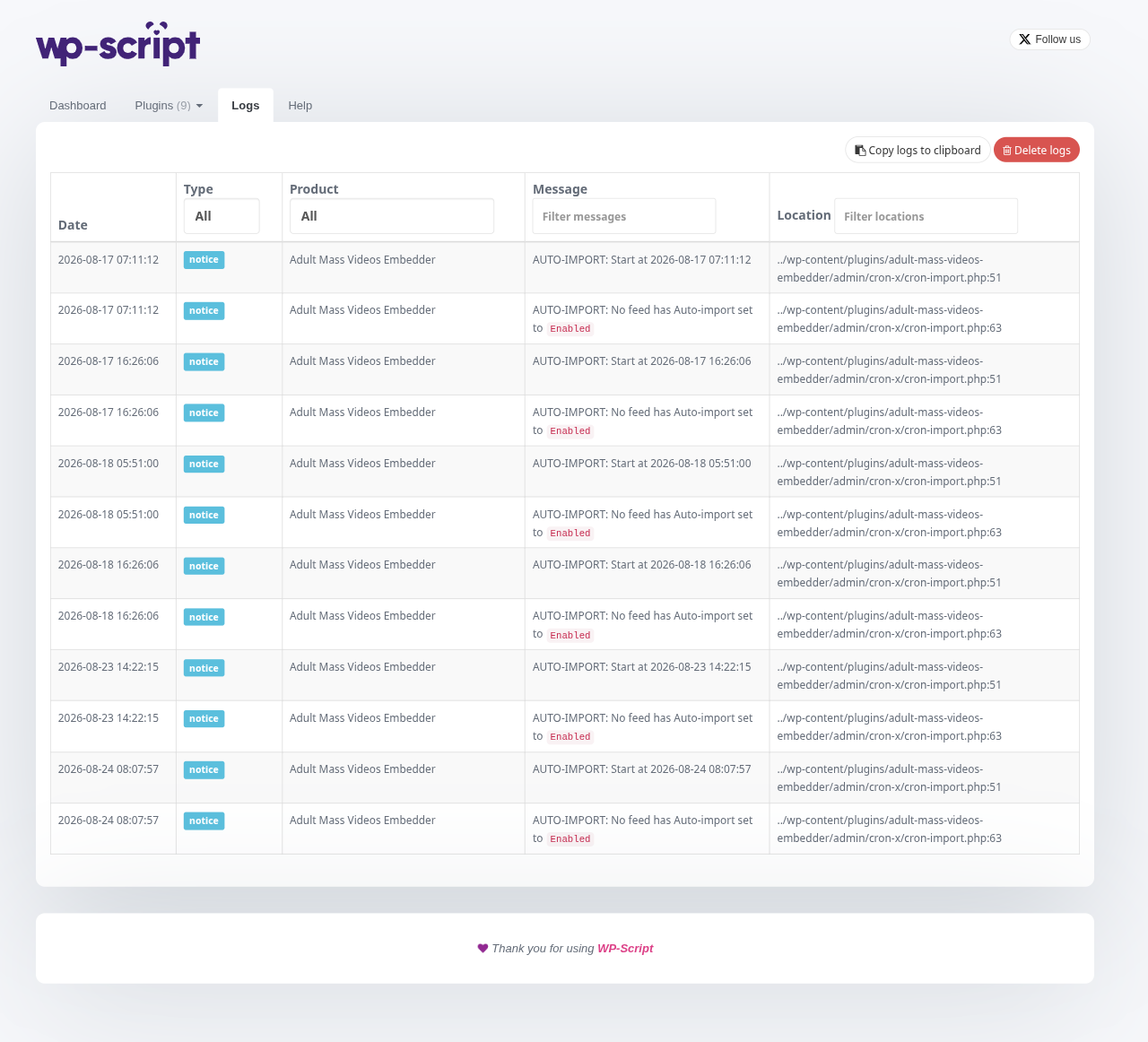
Each row shows a colored badge for the entry's type (blue for info, red for danger), the message itself, and which product it came from, detected automatically from the file path that logged it.
1. Copying and clearing logs
Two actions sit above the table:
- Copy copies every visible log entry to your clipboard as JSON, handy when sharing logs with support.
- Delete clears all logged entries.
2. Empty state
If nothing has been logged yet, the page simply shows No log has been written yet instead of an empty table.